FAQ
Frequently asked questions
Clear answers for factory owners, operators and teams evaluating Optiwise.
What is Optiwise?+
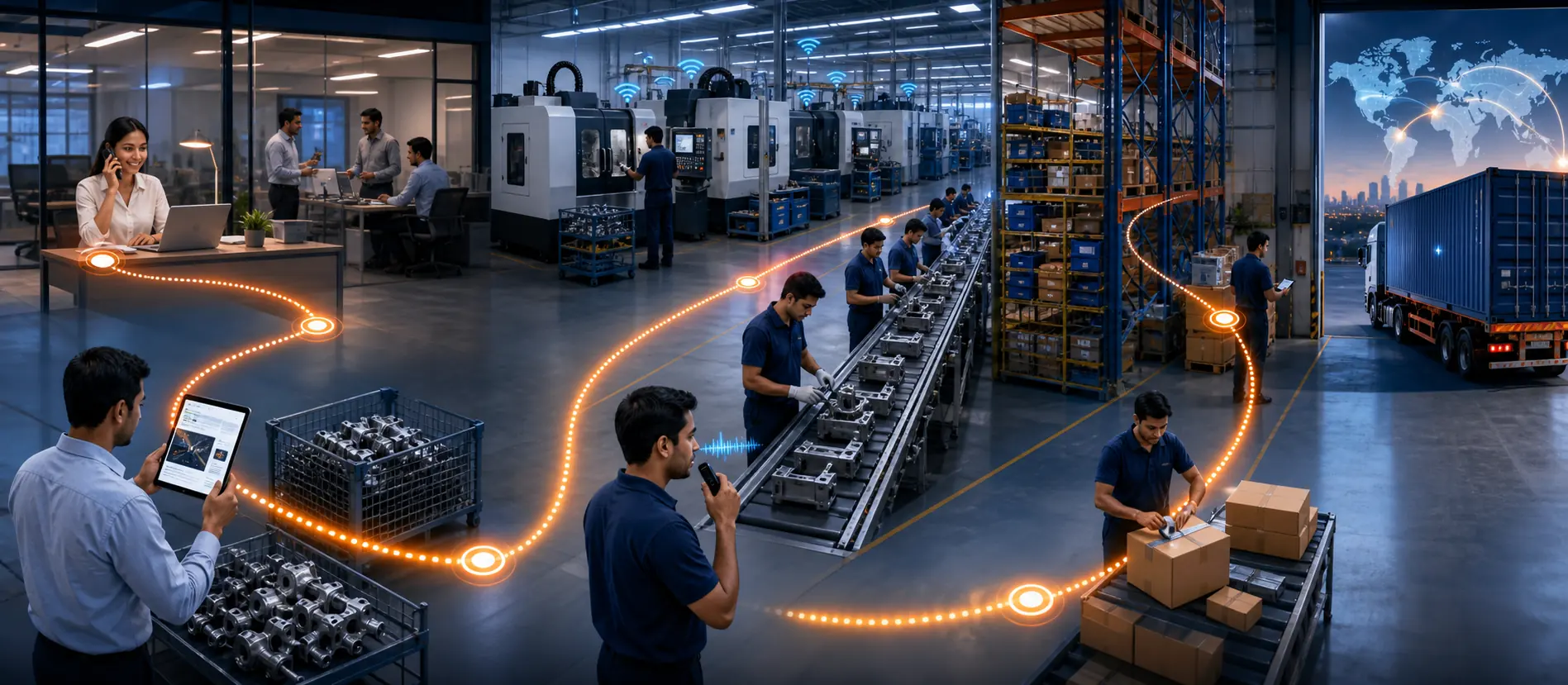
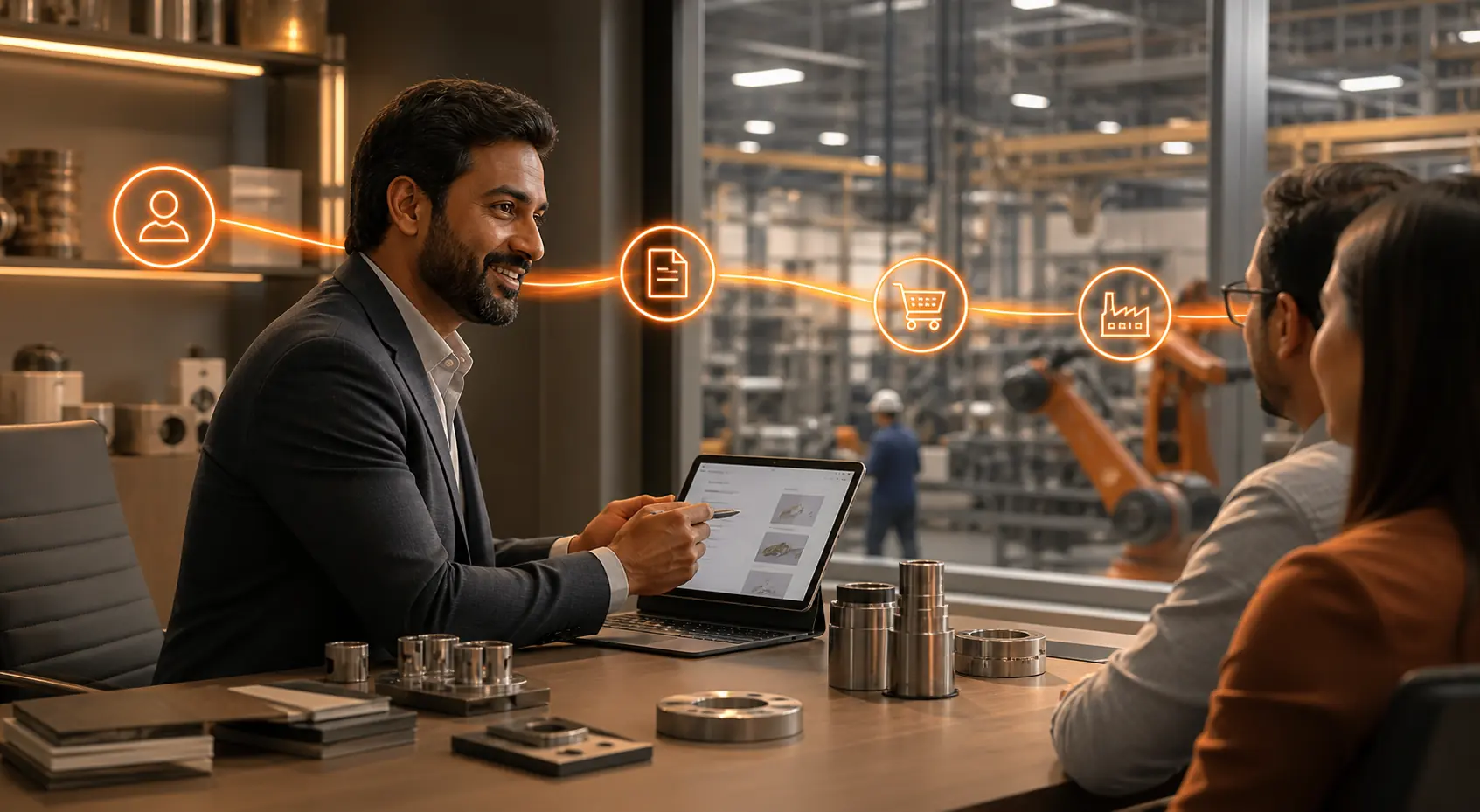
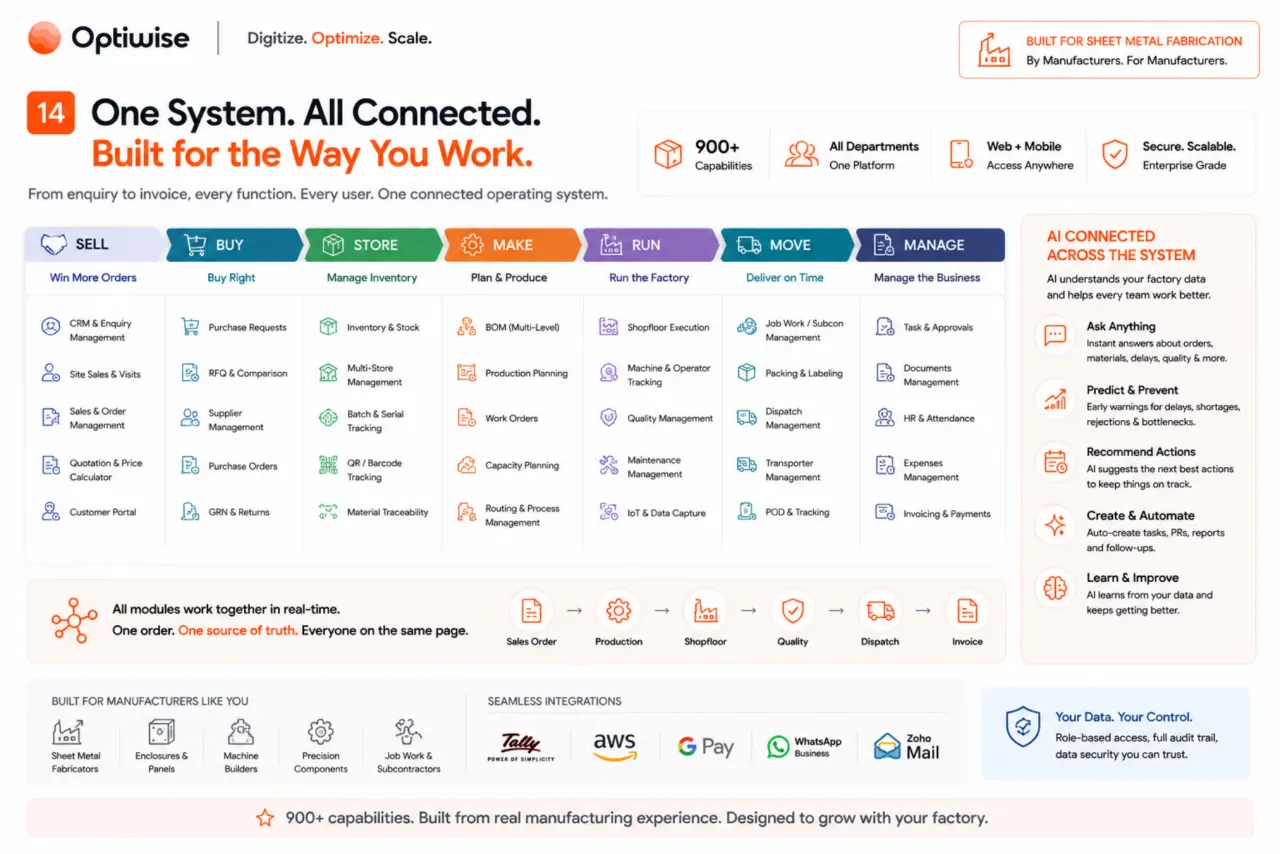
Optiwise is an AI-native OS for manufacturing. Our Manufacturing Intelligence layer connects orders, materials, production, quality, people and machines, so you can understand what needs attention and act on it through conversation.
Can I operate Optiwise by talking to it?+
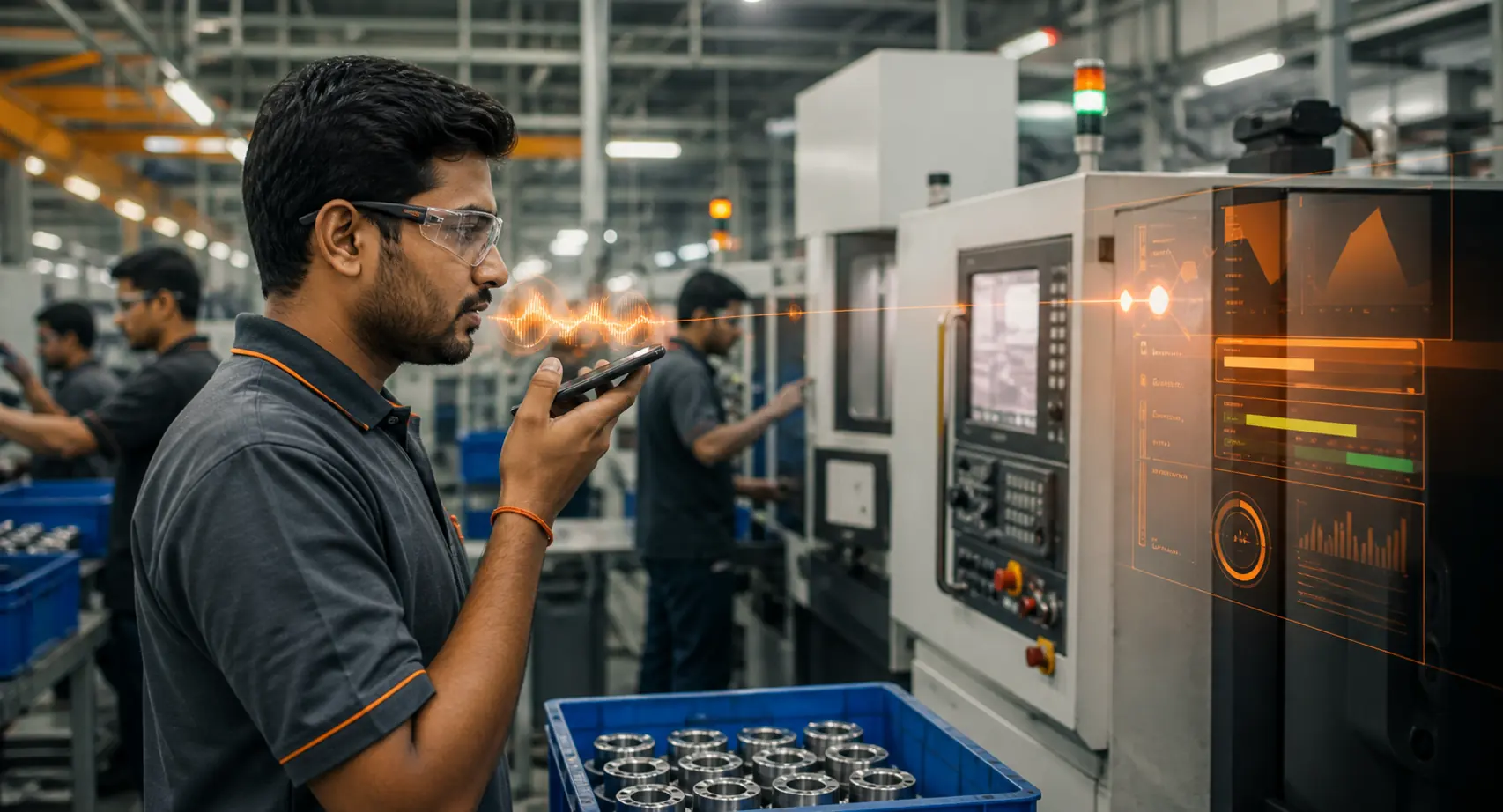
Yes. Ask about an order, record arriving material, create a vendor or move work forward in your language. Our AI agents use the connected records, ask for missing details and carry out the action within your team's access and approval rules.
How does the Manufacturing Intelligence layer work?+
It brings together the context behind your factory's work: the customer order, available material, job progress, quality decisions, responsible team and connected machine signals. You can ask what is holding an order, understand the next step and act from that same context instead of collecting separate updates.
Who is Optiwise built for?+
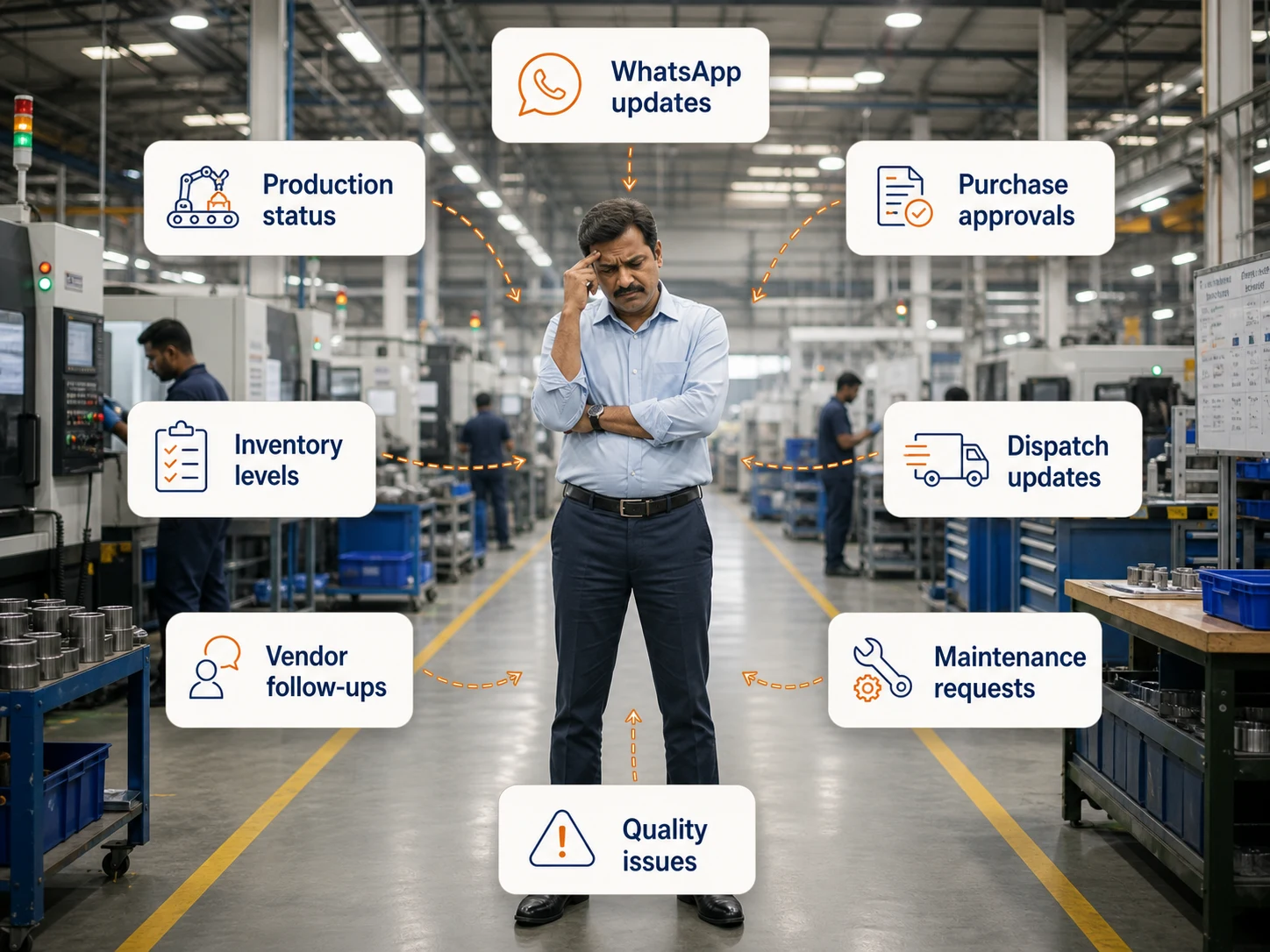
We build for manufacturers whose daily work still depends on owner follow-ups, status calls and scattered spreadsheets. Sales, stores, purchasing, production and shop-floor teams work in one connected system, with a workspace for each person's responsibilities.
What do the Optiwise AI agents do?+
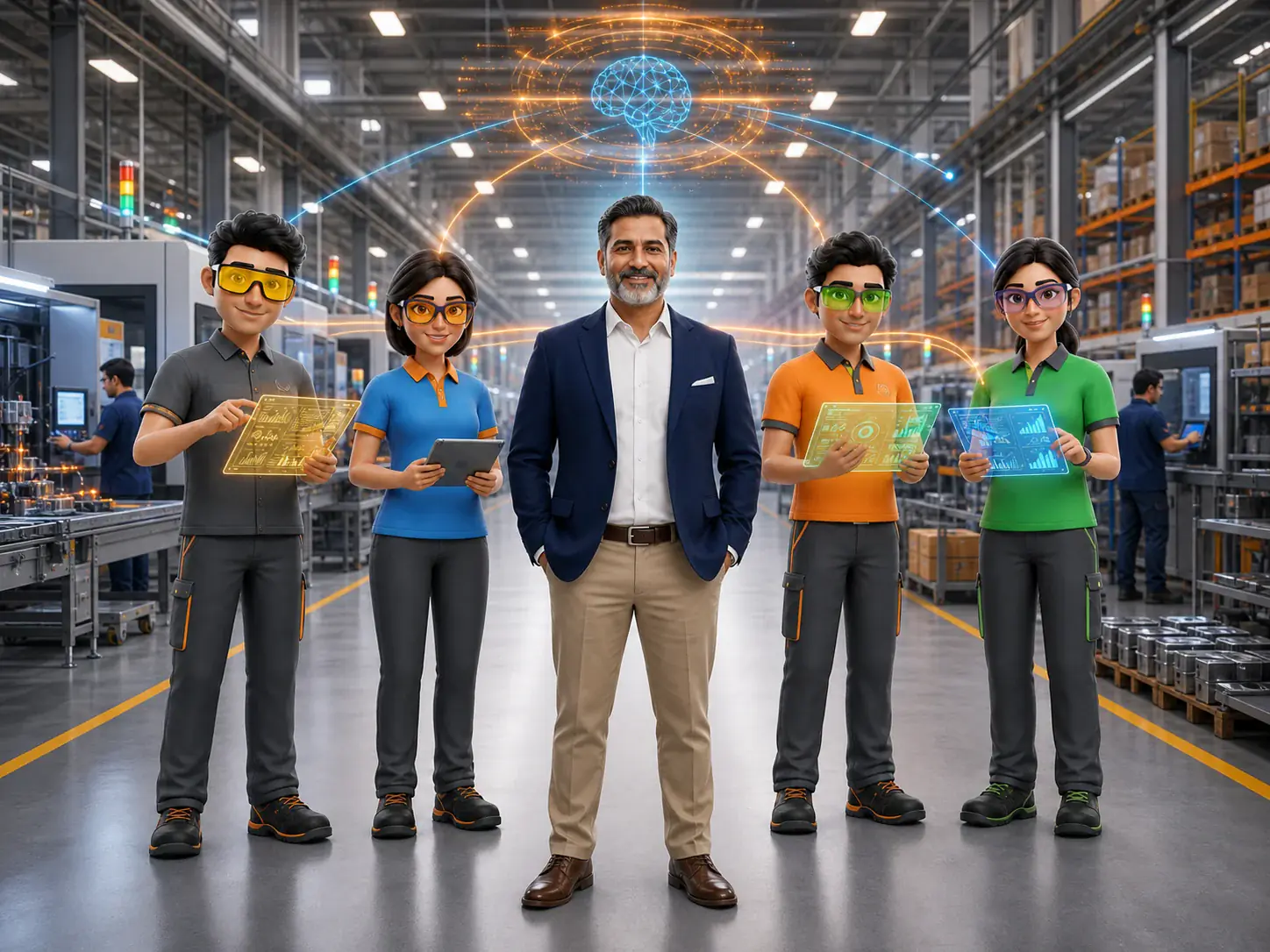
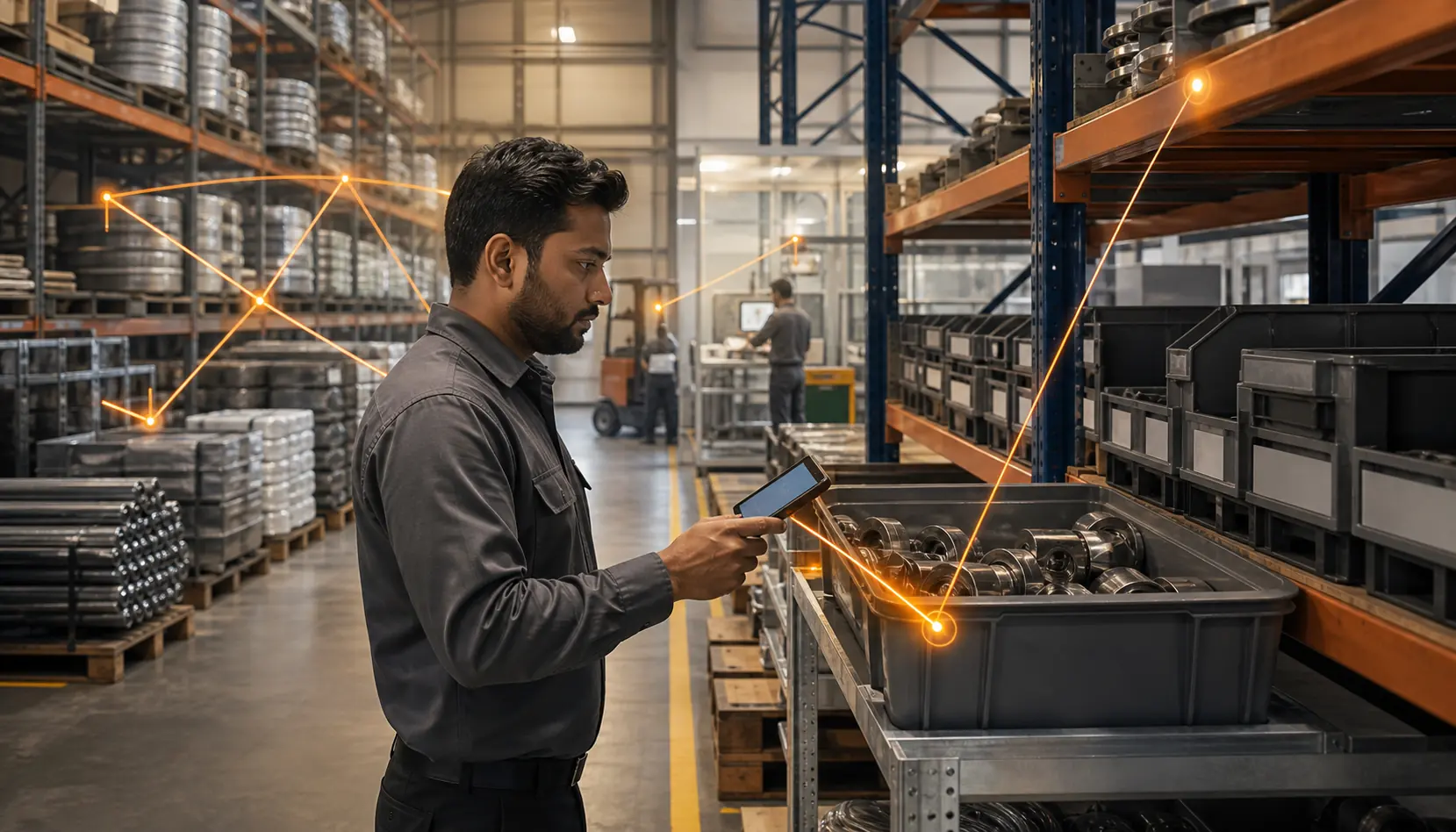
Our agents help with production, sales, purchasing, inventory, tasks and machine information. They answer questions from connected records and carry out supported actions, such as creating a vendor or recording a material receipt. Your team keeps control of the decisions and approvals.
Do we need IoT devices from day one?+
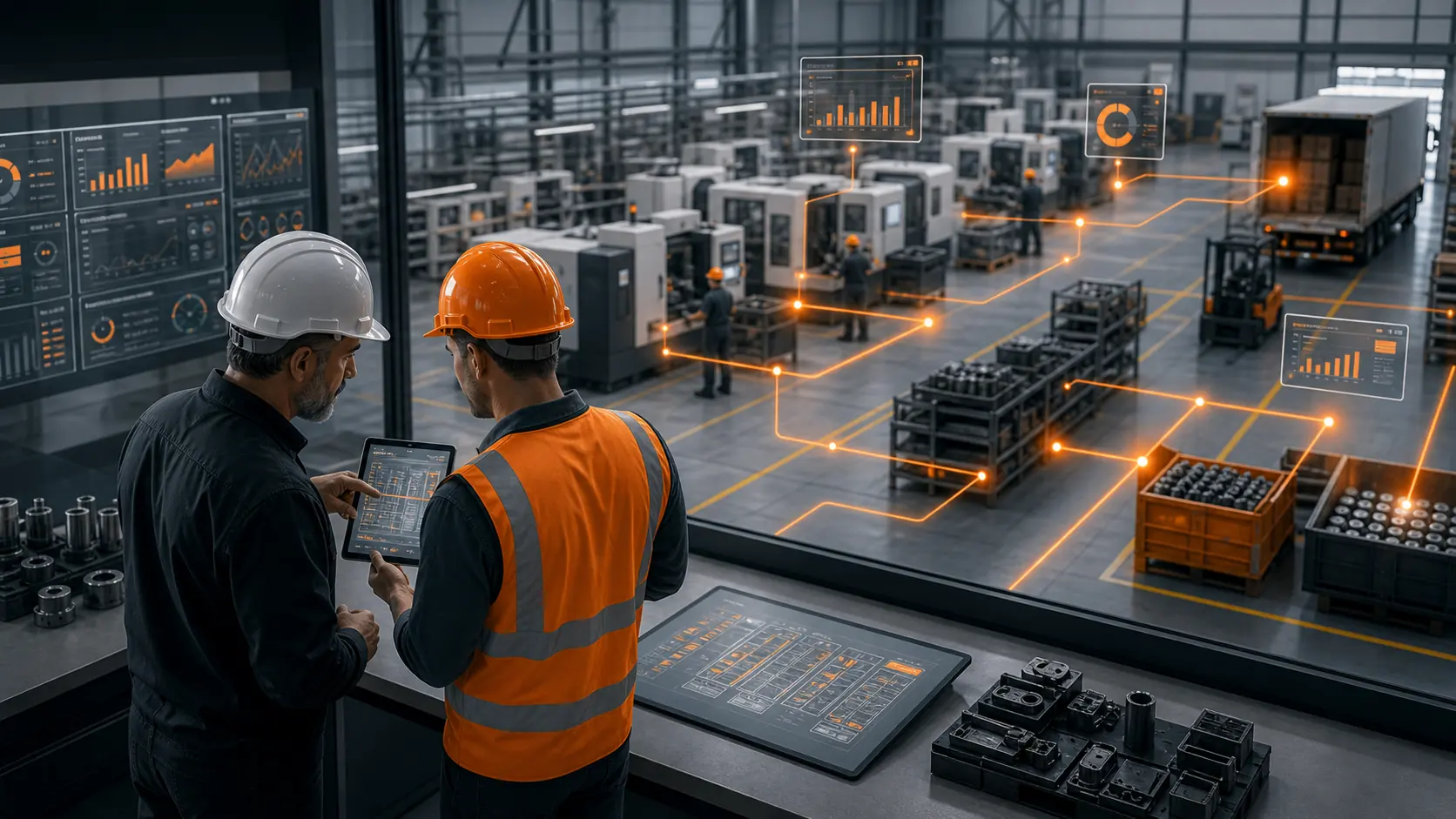
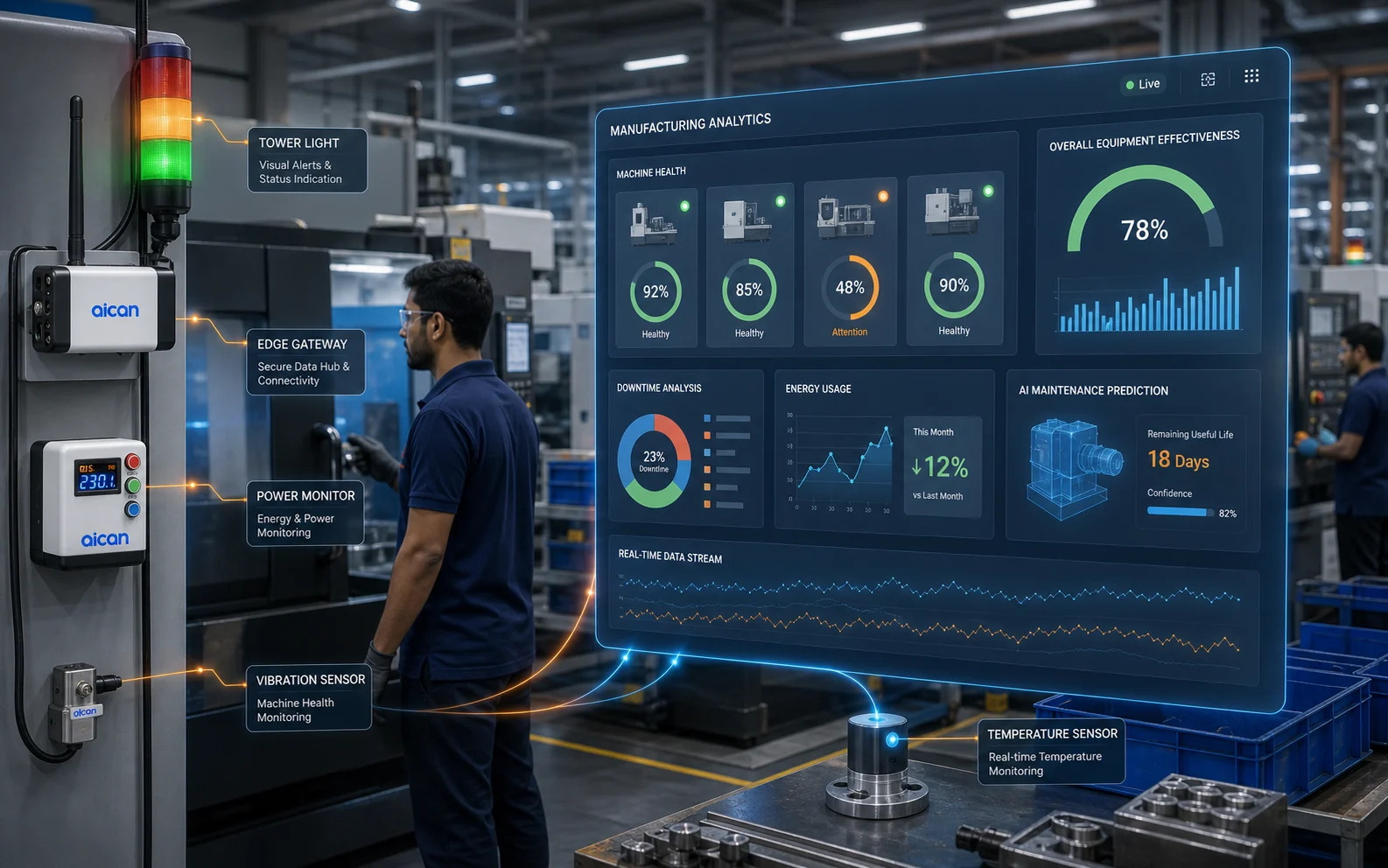
No. Start with your connected operating workflows and add IoT when you need machine-level data. Our devices and dashboards bring machine status, downtime, energy and condition signals into the same factory context.
Do we need to replace our existing systems?+
You can start with the work that causes the most daily friction and connect more of the factory over time. We map the data and workflow alongside any systems you need to retain, and agree the required connections during implementation.
Can shop-floor teams use Optiwise away from a desktop?+
Yes. Operators and supervisors can use mobile-friendly workspaces to open assigned jobs, enter production updates and complete the attached forms. Voice-assisted entry helps with supported tasks, while owners and managers follow progress and exceptions.
How do we get started?+
Bring one everyday problem to a walkthrough: an order waiting for material, a partial delivery or a job whose progress takes several calls to find. We map the records, people and next action, then plan your data setup, workflow configuration, training and rollout.
What does implementation cost?+
We charge ₹0 for Optiwise implementation. Software subscription, optional add-ons and IoT hardware are separate.
How do we control access to factory information?+
Configure users, teams and roles around the work each person needs to do. AI actions follow the relevant access and approval rules, alongside the permissions for forms, documents and operational records.
Still deciding where Optiwise fits?
Book a walkthrough and map your first factory workflow with the team.
Book a Demo