Alex
AI Production Strategist
- Plan Work Orders
- Balance Machine Loads
- Predict Delays
- Shift Efficiency Reports



Replace every spreadsheet, dashboard, and device interface with Aican Optiwise.
Get started – it’s FREE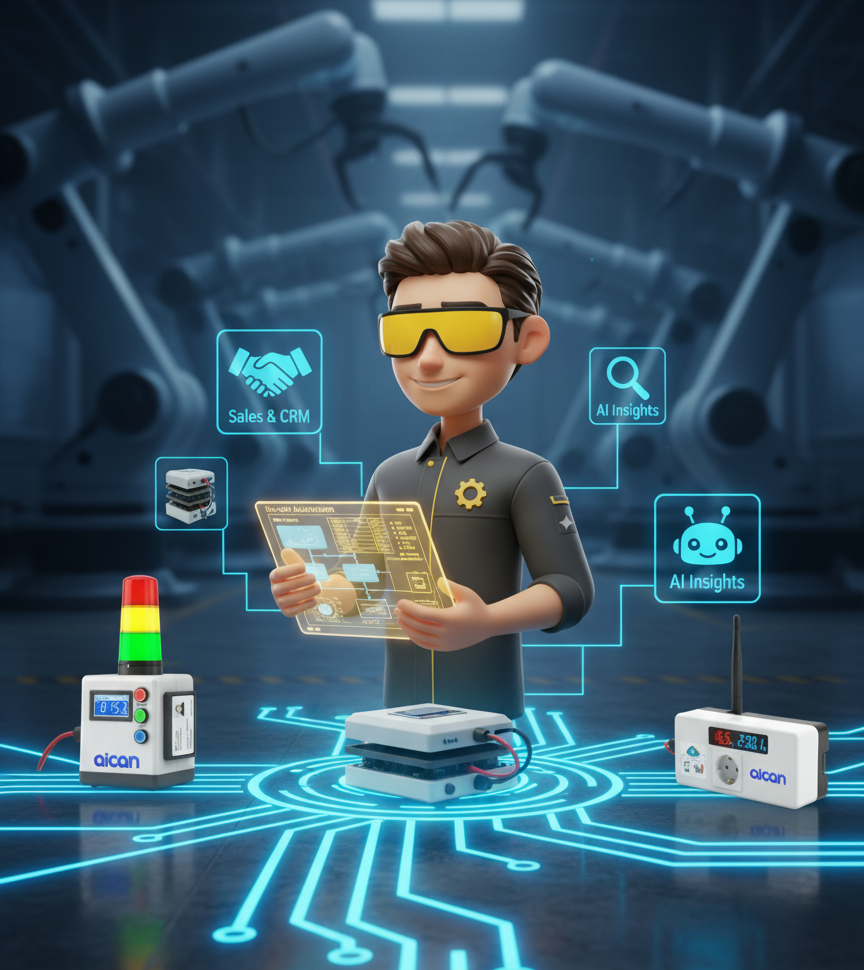
Digitize, monitor, and optimize every part of your manufacturing — from sales to shopfloor to AI-driven insights.

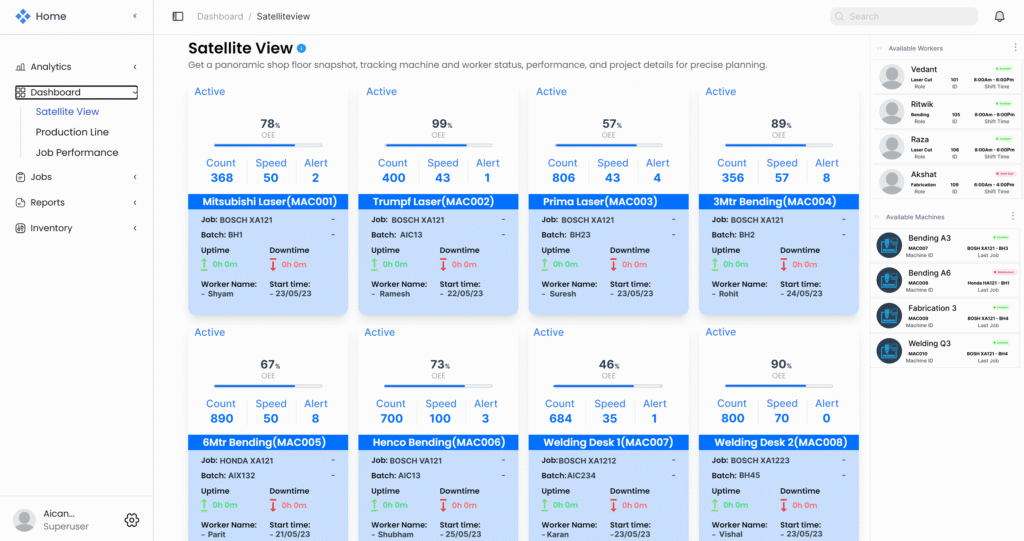
Stay in control of your factory floor with live equipment insights.

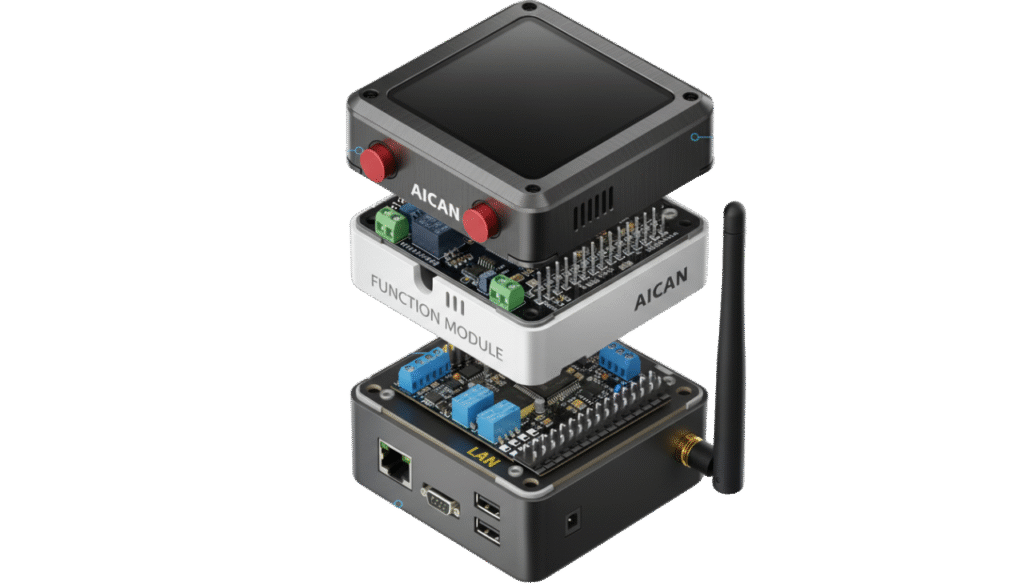
Prevent breakdowns before they happen.
Reduce waste and improve output with AI-optimized production cycles.
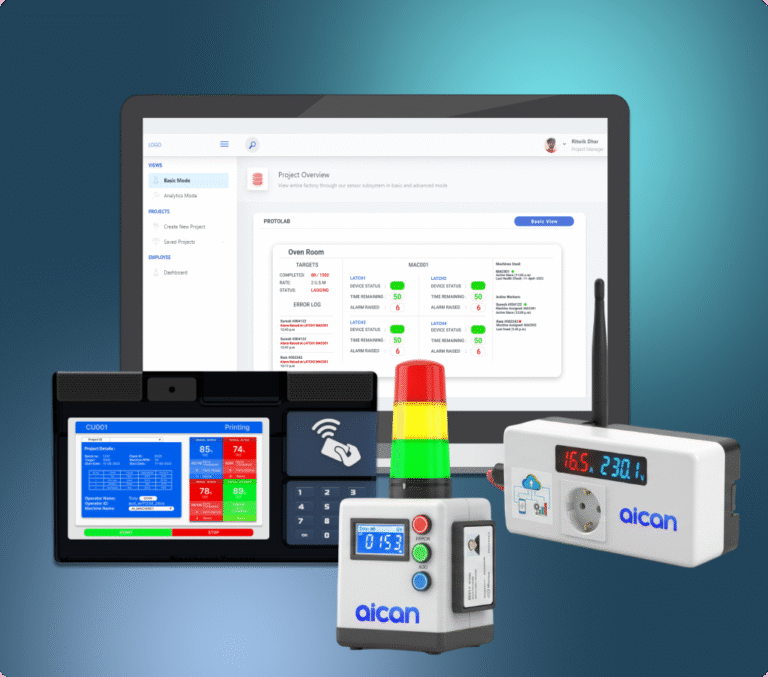






AI forecasts demand, predicts breakdowns, and optimizes inventory to help you plan weeks ahead.
Your AI agents instantly raise purchase indents, schedule production, or trigger maintenance based on real-time data — autonomously.
AI summarizes thousands of data points into visual insights and recommendations tailored for every role — from operator to CEO.

Ask questions like “Show me today’s downtime report” or “Predict next week’s output”.
Optiwise AI answers instantly, in natural language.

Shop-floor worker to Owner Optiwise is for everyone


Order-to-cash
Leads Conversion

line stopagges
Inventory Losses




Find answers to commonly asked questions
Optiwise is a comprehensive cloud-based ERP platform specifically designed for manufacturing companies. It combines traditional ERP functionality (production, inventory, sales, HR, Purchase) with AI-powered intelligence and IoT sensor integration to give you complete visibility and control over your operations
Optiwise is designed for manufacturing companies of all sizes—from micro companies with 10 employees to large enterprises with thousands. We serve various industries including automotive, packaging & printing, engineering goods, food processing, and pharma & chemicals.
Unlike generic ERP systems, Optiwise is purpose-built for manufacturers. We combine traditional ERP with AI agents (like Workflow Copilot and Demand Forecast), IoT hardware integration (power sensors, vibrometers, attendance systems), and industry-specific workflows—all in one platform. Plus, we’re designed to be intuitive and easy to use, not just feature-rich.
Optiwise is primarily cloud-based, giving you access from anywhere with an internet connection. For large enterprises with specific security or compliance requirements, we can discuss hybrid or on-premise deployment options.
Not necessarily. Optiwise can integrate with many existing systems through our API. However, most customers find that consolidating onto a single platform eliminates data silos and reduces complexity. We’ll help you determine the best approach during the consultation process.
We’re here to assist, answer and address any feedback.


We never send you spam, we give you a great chance. You can unsubscribe anytime