
Loading Optiwise
Loading Optiwise
Connect BOMs, planning, job cards and quality records so each team can see the next production handoff.
Plan materials, work orders, quality and outside processing with clear responsibilities.
Connect Planning With Shop-Floor Execution.

Review production readiness across material, outside processing and machine schedules. Confirm source data, update responsibilities and unresolved constraints before releasing the job.
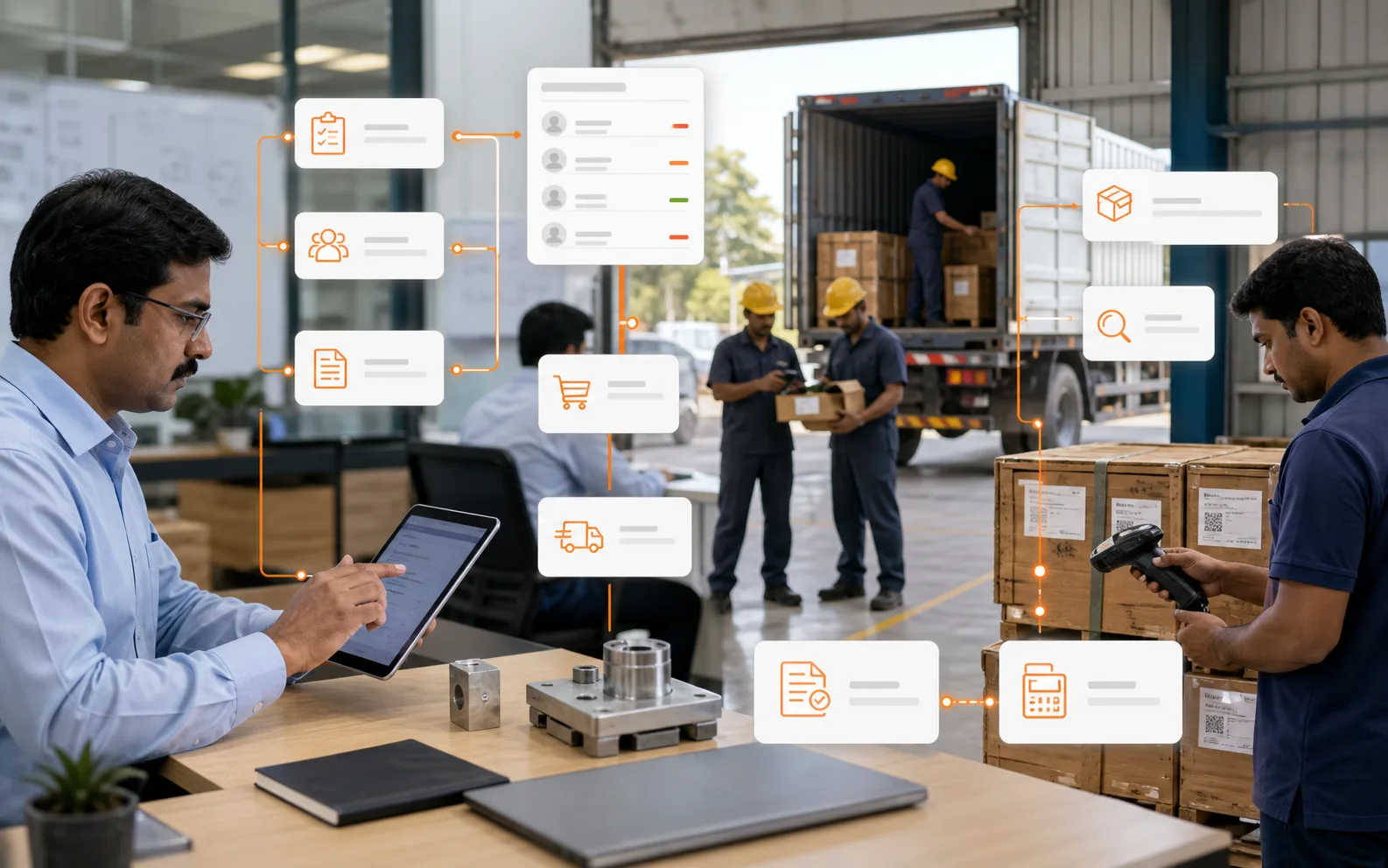
Bridge the gap between your factory and your vendors. Track the entire lifecycle of a service order—from raw material issue to finished goods receipt—on a single interactive timeline.

Review current stock and pending quantities in the Progress Snapshot. Check the last update and the remaining job constraints before confirming a completion date.
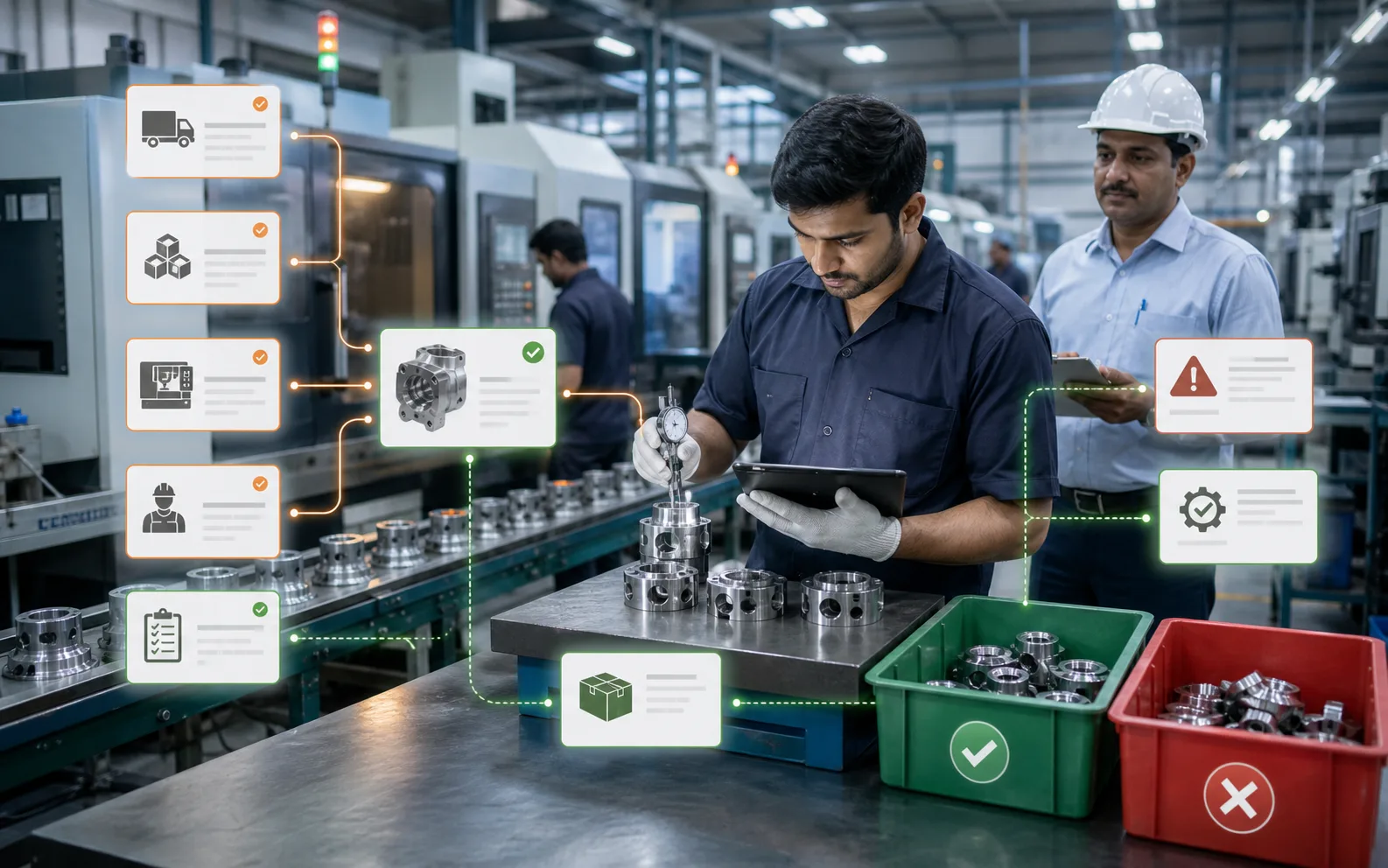
Review completed jobs and available planning slots. Confirm machine eligibility, staffing and other constraints before assigning the next job.
Your Predictive Co-Pilot
Illustrative planning question:
Can Job #402 run on Machine B?
Check tooling, capacity and approval before changing the route.

Use Rohit AI to review production information from connected records. Confirm data freshness, configured actions and required approvals before changing the plan.
Use the master production schedule to organise product quantities and dates. Use the material requirements worksheet to check the components, usable stock and open supply behind that plan. Keep the same order version and cut-off in both so incoming material is not mistaken for stock ready to issue.
If a required component is awaiting inspection, retain that status in the material check. The planner can follow the quality decision or an alternative permitted supply before releasing the affected job. Bring the order, accepted BOM and outstanding material action to your walkthrough.
Bring one production order and review its material, capacity and execution handoffs with Optiwise AI-driven intelligence.
Optiwise connects production planning with BOMs, job cards, shop-floor updates, quality and outside work. Use the same order reference across those handoffs so the planner, stores team and supervisor can see what is ready, what is waiting and who owns the next decision.
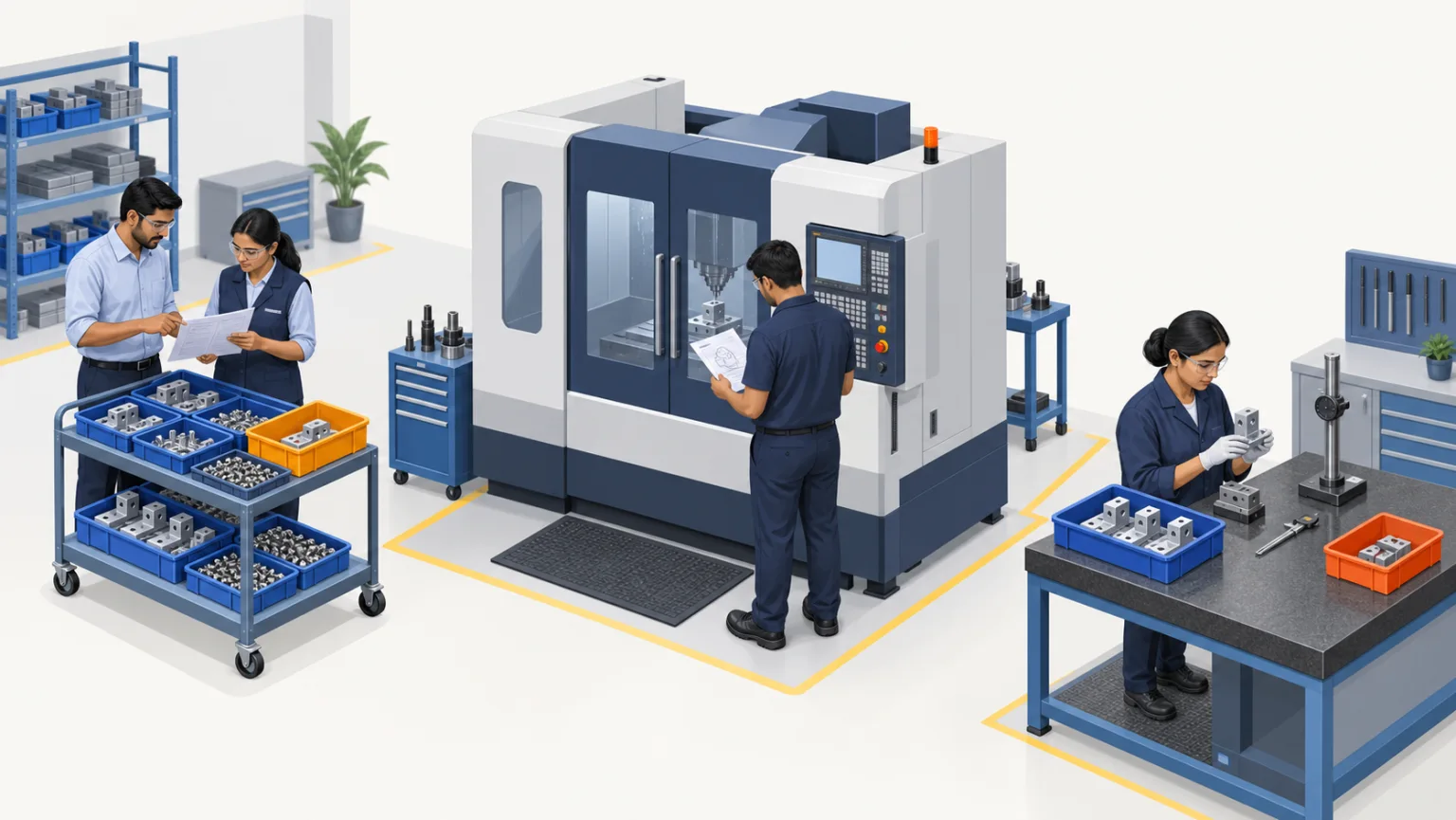
For a manufacturing MSME, the useful starting point is a representative job. Map its approved drawing and BOM, material units, operation sequence, work centres and inspection requirements. Agree who records actual progress and how often it is updated before relying on a live dashboard.
| Stage | Record to carry forward | Decision owner |
|---|---|---|
| Order and revision | Accepted quantity, delivery requirement, drawing revision and approved BOM | Sales and planning confirm the released scope |
| Material readiness | Usable stock, allocated quantities, shortage and expected receipt | Stores and planning resolve what can actually be issued |
| Capacity and job release | Route, eligible work centre, setup, run time, staffing and tooling | Planner and supervisor approve the feasible window |
| Shop-floor execution | Job card, operation progress, good output, waiting and rejection reasons | Operator or supervisor records the event and its time |
| Inspection and outside work | Hold/release decision; vendor issue, return and outstanding quantity | Quality and the outside-work owner reconcile the handoff |
| Completion and review | Accepted output, material returns, actual time and remaining exceptions | Production and stores confirm the final records |
A finished operation and a released finished part are different statuses. Keep material under inspection distinguishable from material ready for the next permitted step. For outside processing, retain the material identity, issued quantity, vendor reference and received or outstanding balance.
Consider this illustrative 60-unit job: setup takes 30 minutes and each unit needs 3 minutes at the selected operation. The planned load is 30 + (60 × 3) = 210 minutes. A 240-minute available window leaves 30 minutes before other constraints or allowances are considered.
If each unit needs two accepted inserts, the job requires 120 inserts. With only 100 usable inserts, the shortage is 20. A free machine window does not resolve that shortage. Any split batch needs an approved quantity and its own setup, inspection and delivery review.
Use actual setup and cycle-time evidence, account for prior operations and check eligible machines, tooling and people. These numbers explain the calculation; they are not measured Optiwise performance or a customer result.
Assign owners for item codes, units, BOM revisions, work-centre calendars, quality release and production updates. Test a missing material, a changed drawing, a partial completion and a returned outside-process job. Confirm which checks are configured, which require another system and which remain a manual approval.
Optiwise industrial IoT provides machine-state, runtime, downtime, energy and performance context. Our AI agents retrieve production records and perform permitted actions in natural language. Keep the source timestamp, user role and configured approval workflow with the decision.
Bring a redacted order, BOM, drawing revision, stock shortage, route, inspection hold and outside-process record. Ask the planner, stores user and supervisor to follow the same job on their intended devices. Keep a list of demonstrated steps, configuration work and unresolved requirements.
Review your production workflowThe production module brings together BOMs, scheduling, work orders and job cards, shop-floor updates, quality records and outside processing. Confirm the configuration, data sources and approval steps for your own factory workflow in a demo.
No. Check the approved BOM and drawing, usable material, tooling, eligible machine, operator availability, prior operations and quality requirements. A capacity calculation is one part of job readiness.
Bring one redacted order, approved BOM and drawing revision, a material shortage, an operation route, an inspection hold and an outside-process example. Ask the planner, stores and shop-floor users to trace the same job through completion.