
Monitor CNC Machines Remotely Without Mistaking Old Data for Downtime
Use Optiwise to read a CNC machine’s state, last update and job context together, then assign the right production or maintenance follow-up.

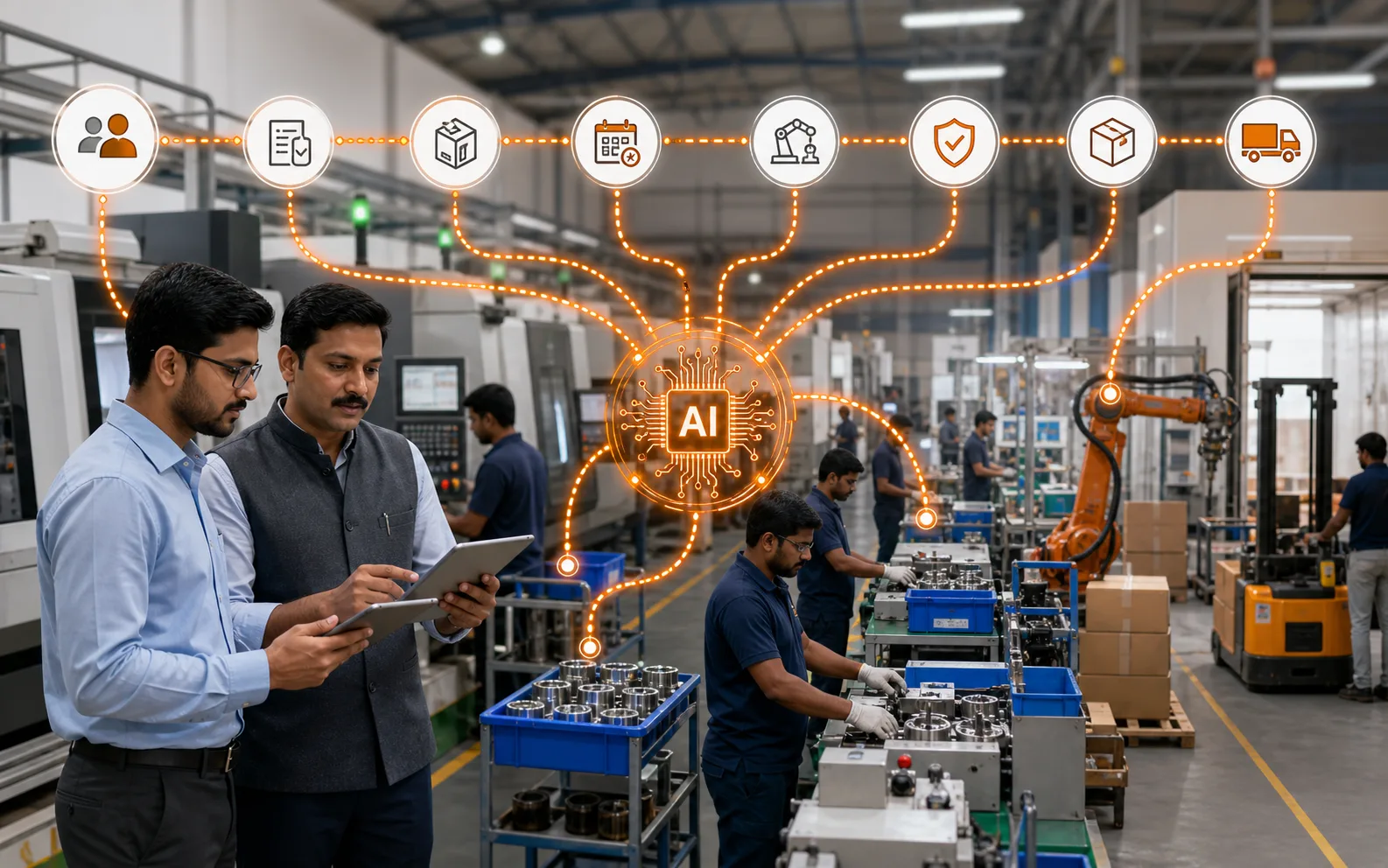
Use Optiwise to read a CNC machine’s state, last update and job context together, then assign the right production or maintenance follow-up.
Start with the last update, machine and job
We connect machine data with the production records that explain what should be happening. From a remote view, read the mapped machine, state, parameter unit and last update before acting. Then open the relevant job, operation and recorded output. A running machine may be working on a different job from the one you expected.
Our IoT offering includes OptiEdge for machine-data collection and edge processing, OptiSense for power monitoring, Assembly Monitor for state signals and OptiScope for vibration and machine-health analysis. The connection and available parameters depend on the machine and installed scope. A dashboard needs its device-to-machine mapping and parameters configured before the values are useful.
Distinguish a stopped machine from a stale reading
Imagine a machine’s last recorded state is “running” at 10:10 and you open the dashboard at 10:25. If no new reading has arrived, those 15 minutes do not prove the machine is still running. They also do not prove it has stopped. Ask the operator to confirm the current condition and have the connection owner investigate the missing update.
OptiEdge supports machine-data buffering and resynchronisation. Keep the original event time distinguishable from the time a delayed reading becomes visible. That device capability does not establish that the entire ERP works offline. Do not convert a communication gap into a downtime duration without the machine or operator evidence needed to establish the stop.
Attach the stop to the actual work
For a confirmed stop, record the machine, job or operation, start time, reason and next owner. A state signal tells you something about activity; the operator can explain whether the job is waiting for material, tooling, inspection or maintenance. Job-linked monitoring also needs the correct execution context; machine data alone does not prove every interval belongs to a particular customer order.
Use our downtime duration and cause log to keep a corrected reason with its original event. If the issue concerns material, stores needs the request or issue reference. If it concerns a machine condition, maintenance needs the asset and observed symptom.
Set up the remote view with the people who use it
The connection team maps signals and units. Production maintains the job context and actual entries. The operator confirms an unclear stop; maintenance records the inspection or repair. Agree who receives a threshold exception and who follows up when a reading goes missing.
Remote monitoring provides visibility; this workflow does not offer remote machine control. Keep safe operating decisions with the responsible factory team. Follow our CNC connection guide and machine dashboard for the connected setup.
Walk through a stale-reading example with us
Book a CNC monitoring walkthrough with the machine make, intended signals and one job. Implementation costs ₹0; hardware and subscription scope remain separate. For external connection examples, see MachineMetrics’ connectivity documentation.

Related Posts

Kanban in Manufacturing: Set a Replenishment Signal
Set a pull signal with a defined item, quantity, location and replenishment owner. Check demand variability, lead time and exception handling before using it.
12 Jun 2026Read more →ERP for Factory Operations: Follow Each Handoff
Follow a manufacturing order through material planning, buying, production, inspection and dispatch, with an owner for each delay or exception.
12 Jun 2026Read more →
ERP for FMCG Companies in India
A practical guide to ERP for FMCG companies in India, covering distributor orders, batch tracking, expiry, inventory, production, schemes, costing, and reporting.
11 Jun 2026Read more →
Optiwise, Odoo, Acumatica and Business Central for Manufacturing
Compare manufacturing workflows in Optiwise, Odoo, Acumatica and Dynamics 365 Business Central. See what your factory can run in Optiwise.
11 Jun 2026Read more →