
How Real-Time Is Factory IoT Data? Freshness, Delay and Stale-Signal Checks
Define factory IoT freshness from sensor sample to edge processing, upload, dashboard display and stale-signal warnings.
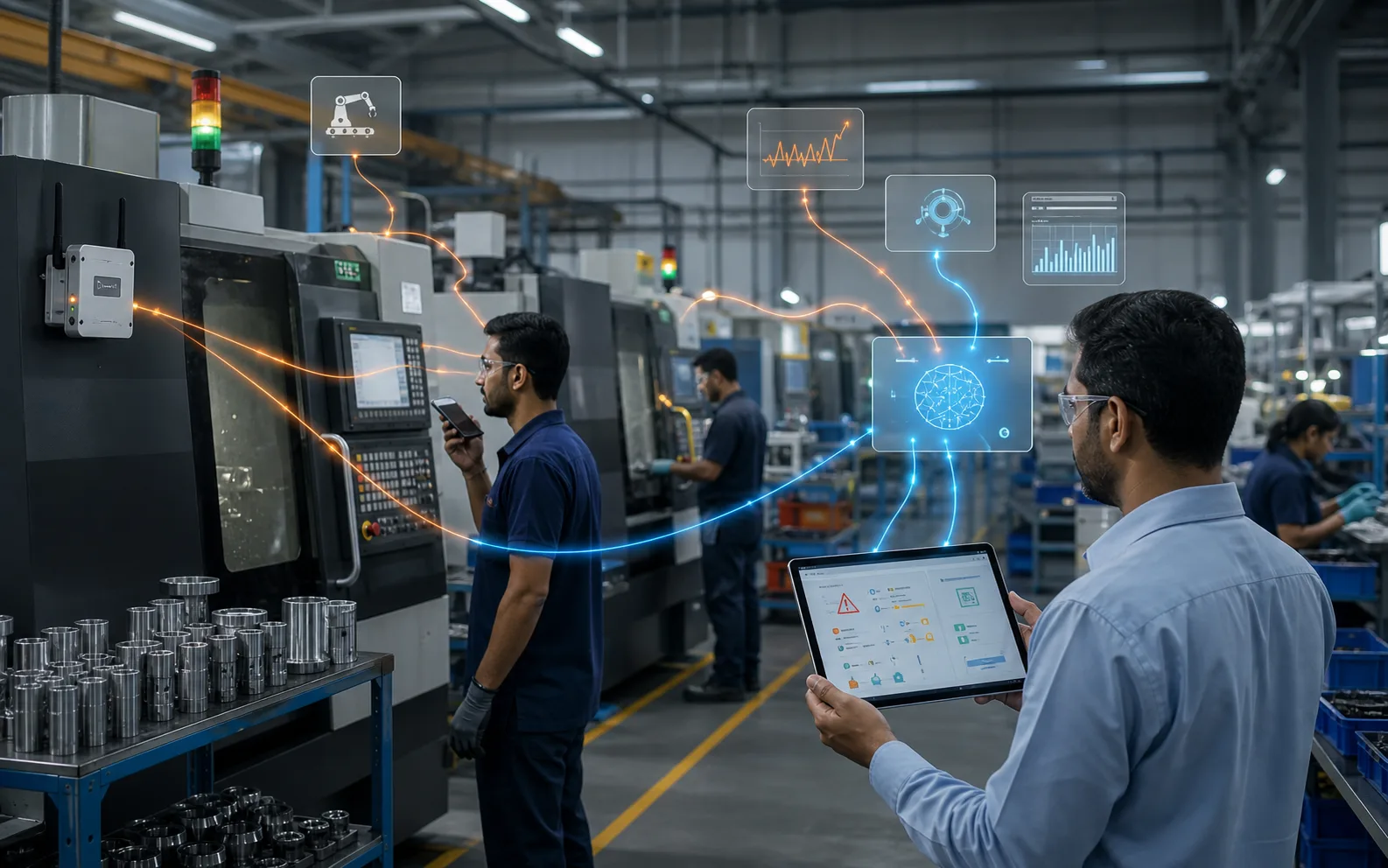
Real-time factory data should not mean “the dashboard looks live.” It should mean the team can see when the signal was sampled, when it arrived, whether the device buffered data and whether the dashboard is showing a stale value.
Optiwise IoT is designed for factory conditions where machines, networks and operators are not perfect. The useful measure is freshness: how old the displayed signal is and whether the system marks gaps clearly.
Direct answer
Factory IoT is “real time” only when the report shows sample time, arrival time, processing delay and a stale-signal warning for missing updates.
Factory example
A dashboard says a machine is running, but the last source timestamp is eight minutes old. The supervisor treats that value as stale and checks the cell before changing the plan. A freshness flag prevents an old signal from being mistaken for a current machine state.
Implementation path in Optiwise
- Define the required freshness for each decision.
- Capture source timestamp and arrival timestamp.
- Show stale-signal warnings when updates cross the allowed window.
Worksheet for your factory
Use this as the working checklist before you change software settings, write SOPs or ask the team to follow a new report.
| Record | What to capture | Why it matters |
|---|---|---|
| Sensor sample | Machine signal captured at source | Defines the real event time |
| Edge processing | OptiEdge reads and prepares the data | Keeps local handling close to the machine |
| Network upload | Wi-Fi or Ethernet sends data onward | Can introduce delay or gaps |
| Dashboard arrival | System receives and displays data | Shows when the user saw it |
| Freshness indicator | Now minus source timestamp | Tells the supervisor whether the value is current |
| Stale-signal rule | No update after allowed window | Prevents old data from looking live |
How Optiwise supports this workflow
- Use OptiEdge for machine data collection and edge processing.
- Support industrial protocols such as Modbus and OPC-UA where the machine and controller allow access.
- Buffer machine data during connectivity issues and resync when the connection returns.
- Show live runtime, downtime, load and efficiency views with clear handling of stale or missing data.
Explore the connected Optiwise workflows for production, inventory, purchasing, quality, IoT, and AI agents.
Checks before you use the number for decisions
- Confirm the owner of the record and the person who reviews exceptions.
- Write the unit of measure, time period and source system beside every number.
- Mark missing, stale or manually corrected data instead of hiding it inside the final score.
- Keep approval evidence for changes that affect stock, production, quality or customer commitments.
Reference source
For general manufacturing ERP and MRP context, compare this workflow with Deskera MRP resources, then adapt the records to your own factory process.
FAQs
Can every factory IoT dashboard be truly instant?
No. Sampling rate, edge processing, network quality and dashboard refresh all affect delay. The right target depends on the decision being made.
What should a stale IoT signal show?
It should show the last source timestamp, last arrival timestamp and a warning that the value is old enough to need review.

Related Posts
Is AI Worth the Investment for My Factory?
Learn how to decide if AI is worth the investment for your factory by evaluating use cases, data readiness, costs, risks, ROI, and operational impact.
13 Jun 2026Read more →Manufacturing AI Mistakes to Avoid Before You Start
List manufacturing AI mistakes and controls for unclear use case, messy data, unsafe automation, no owner, weak security and unreviewed recommendations.
13 Jun 2026Read more →What's the Difference Between AI and Regular Automation?
Understand the difference between AI and regular automation in manufacturing, with practical examples for workflows, decisions, alerts, and predictive operations.
13 Jun 2026Read more →What Are the Risks of Using AI in Manufacturing?
Understand the risks of AI in manufacturing, including bad data, wrong recommendations, safety issues, security, job fear, over-automation, and implementation failure.
13 Jun 2026Read more →