
AI Job Planning
Suggests the right worker, machine, sequence, and schedule before the shift starts.
Loading Optiwise
Optiwise Shopfloor
Optiwise turns planning, operator updates, department screens, voice entries, machine data, and bottleneck alerts into one shopfloor command center.
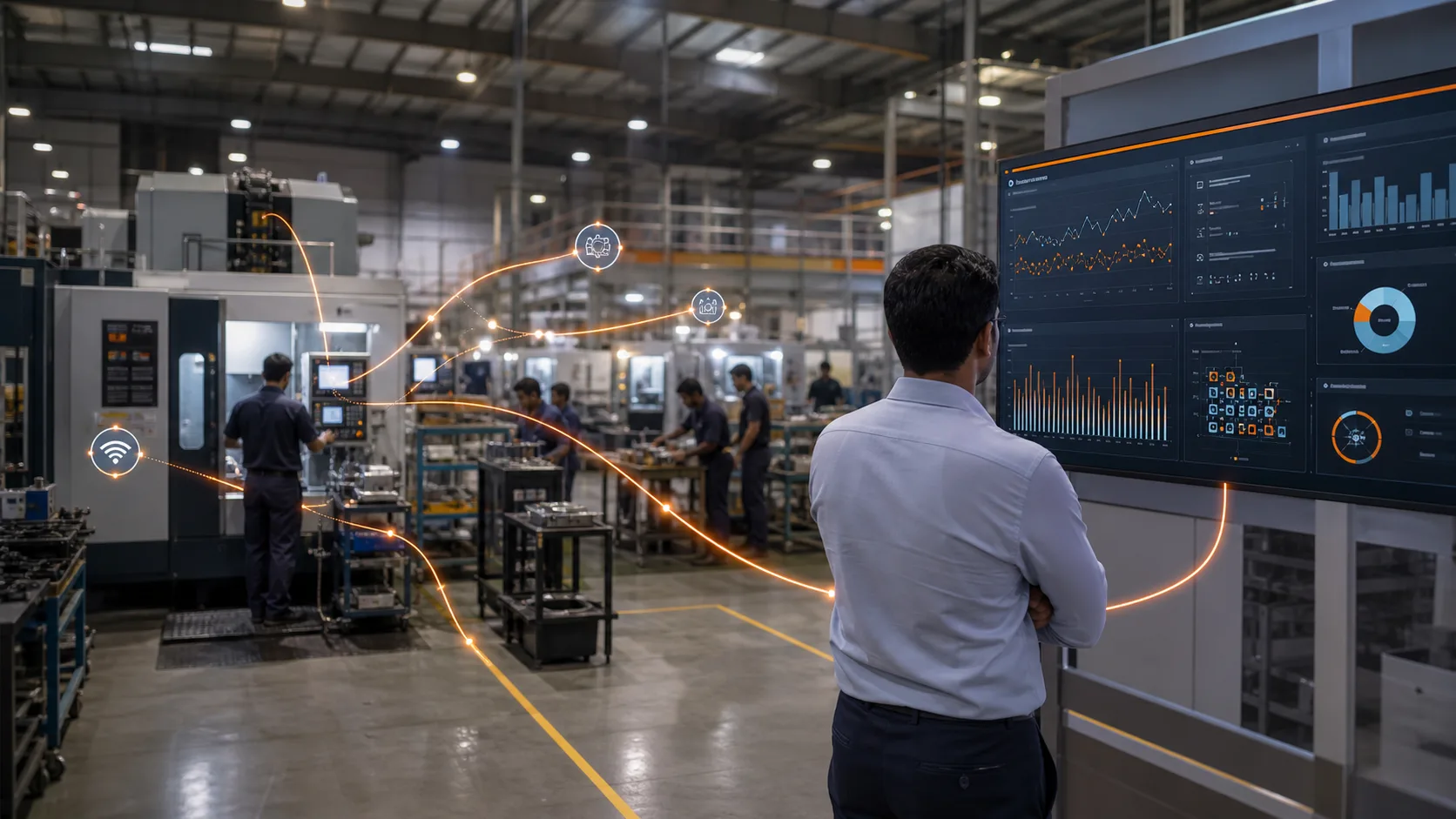
What this page covers
From planning to floor entry to machine data to bottleneck discovery, every important signal becomes usable operational intelligence.
Suggests the right worker, machine, sequence, and schedule before the shift starts.
Start job, pause, complete, reject, and report blockers directly from the floor.
Every department sees job status, queue, targets, pending actions, and escalations live.
Workers can update progress, breakdowns, shortages, and quality issues by speaking.
Realtime WIP, machine status, operator status, shift output, and exceptions in one view.
Capture runtime, downtime, cycle signals, energy, tower lights, and machine health data.
Track every operation from issue to completion with stage time, owner, and proof.
Find who is performing, where jobs are stuck, and which process needs attention.
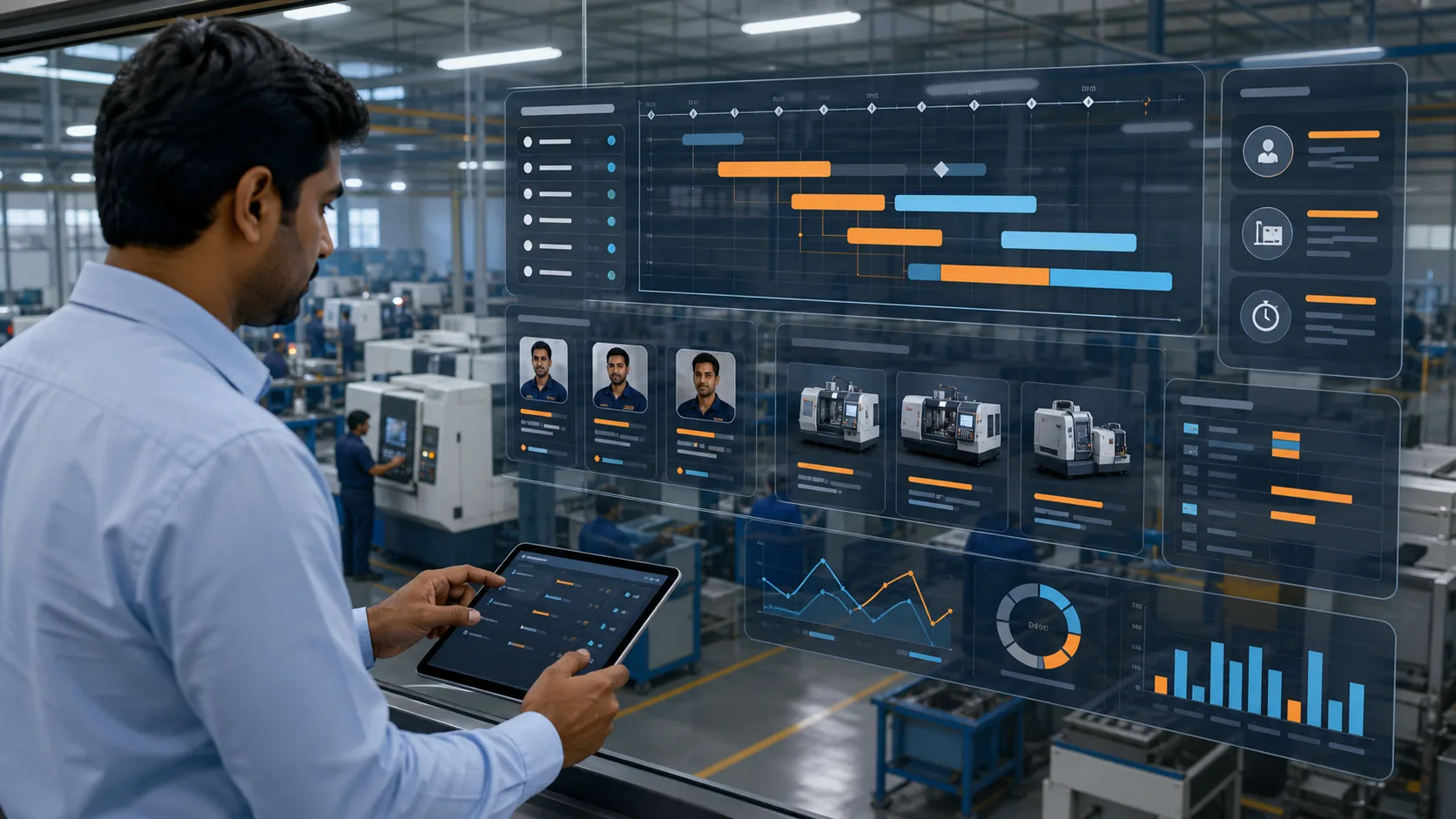
AI job planning
The system checks worker skills, machine availability, job priority, material readiness, tooling, setup time, and delivery pressure before recommending what should run next.
Matches skill, availability, shift load, and past performance.
Checks capacity, uptime, tooling, queue, and job priority.
Builds a realistic plan around material readiness and delivery dates.
Flags shortage, QC hold, setup delay, or overload before it blocks output.
Floor updates
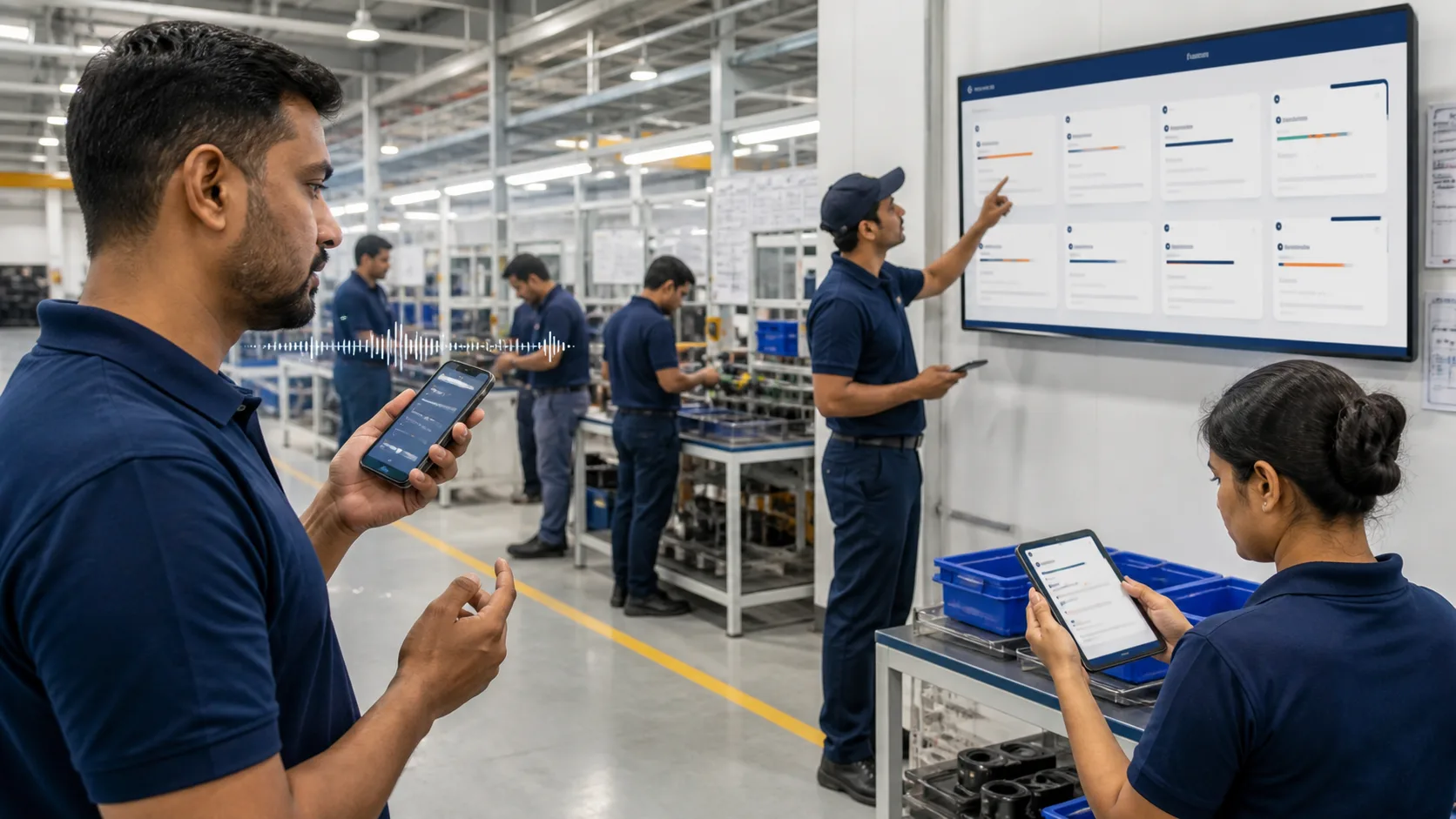
No waiting for someone to come back to the office. Optiwise captures updates through mobile screens, department boards, and voice entries from the floor.
Workers update job start, progress, downtime, rejection, and completion without leaving the station.
Supervisors see the queue, current work, next operation, blockers, and priority changes instantly.
Floor teams can say the update in simple language. Optiwise converts it into structured job data.
Shopfloor command center
Every machine, job, operator, process, and exception comes into one live view so owners and production heads can act before the delay becomes dispatch pressure.
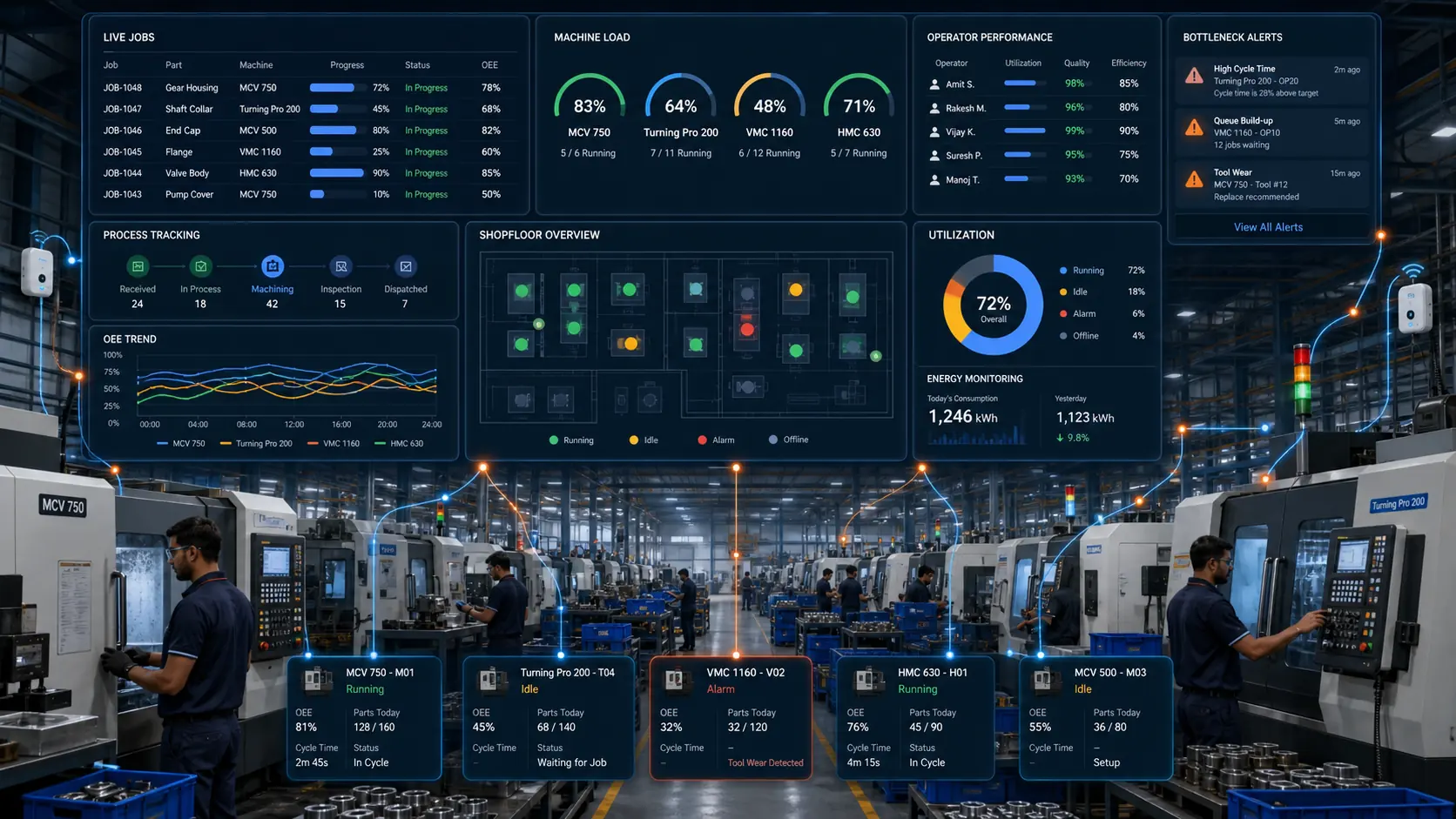
Running, waiting, paused, completed
Capacity, queue, idle time, downtime
Output, delays, skill fit, rework
Which process is slowing dispatch
Process-wise complete tracking
Optiwise follows the job across every operation, not just at the start and end. Each process carries status, owner, time, remarks, quality result, and next action.
Bottleneck intelligence
See worker-wise output, machine-wise utilization, department-wise queue, process-wise delay, and job-wise risk from the same operating layer.
No more calling each operator for status
No more guessing which machine is free
No more hidden WIP between departments
No more late discovery of shortages
No more manual production follow-up sheets
No more blaming people without process data
Complete shopfloor control
Plan smarter, update faster, capture machine data, track every process, and solve bottlenecks before the customer starts asking.