

Production
Track every job from planning to dispatch with zero manual errors.
- Job cards & WIP tracking
- Layered BOM & cost estimation
- Rejection & quality control
Loading Optiwise
Replace every spreadsheet, dashboard, and device interface with AICAN Optiwise
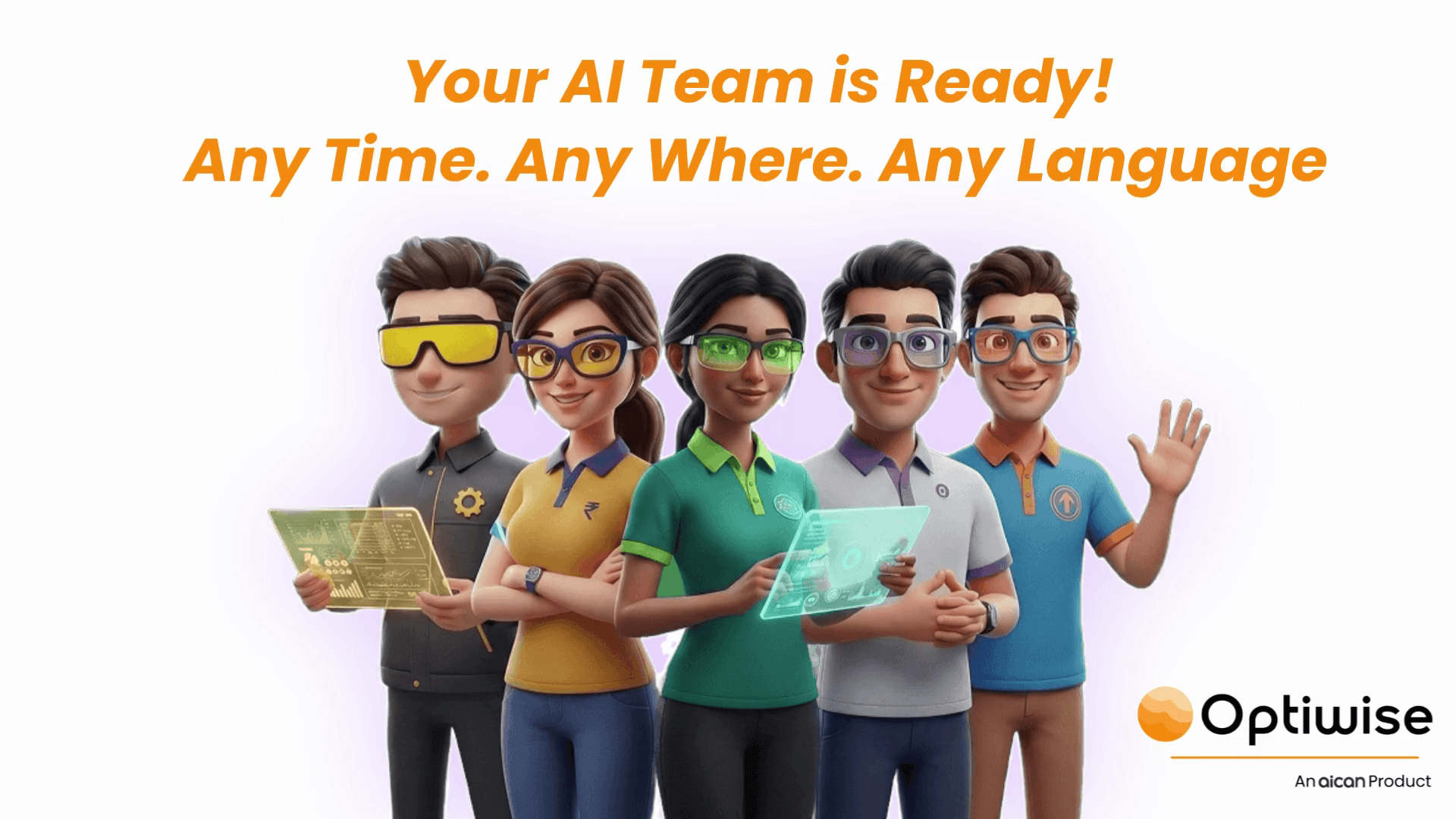
One Platform
Digitize, monitor, and optimize every part of your manufacturing — from sales to shopfloor to AI-driven insights.
Track every job from planning to dispatch with zero manual errors.
Close deals faster and keep every customer relationship on track.
Smart stock control so you never run out — or overstock — again.
Six intelligent agents that think, plan, and act like your best employees.
Live machine intelligence from sensors directly to your dashboard.
Procure faster, smarter, and with data — not guesswork.
Optiwise IoT
Stay in control of your factory floor with live equipment insights.
Get a panoramic shopfloor snapshot — tracking machine and worker status, performance, and project details for precise planning.
Explore Optiwise IoT →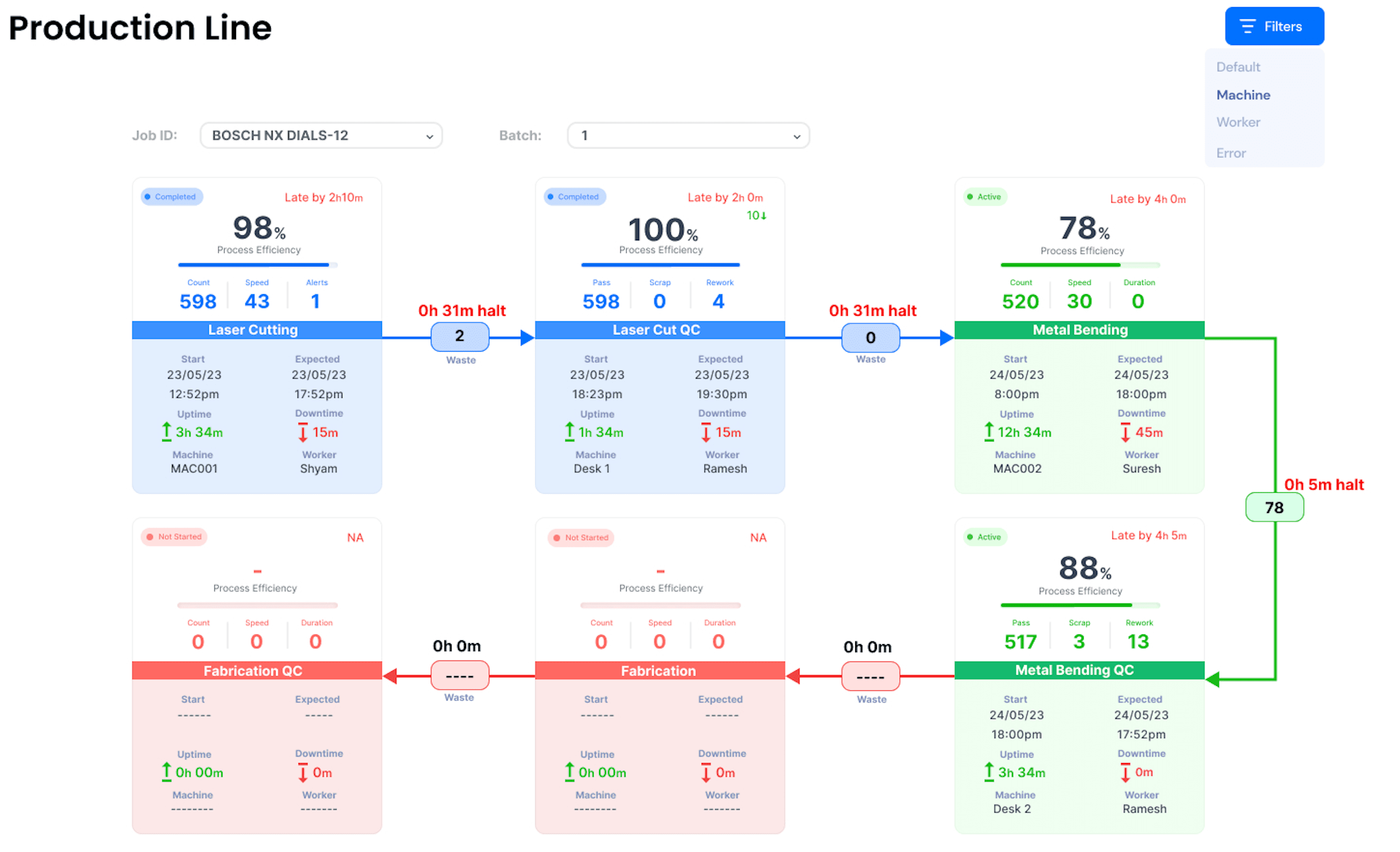
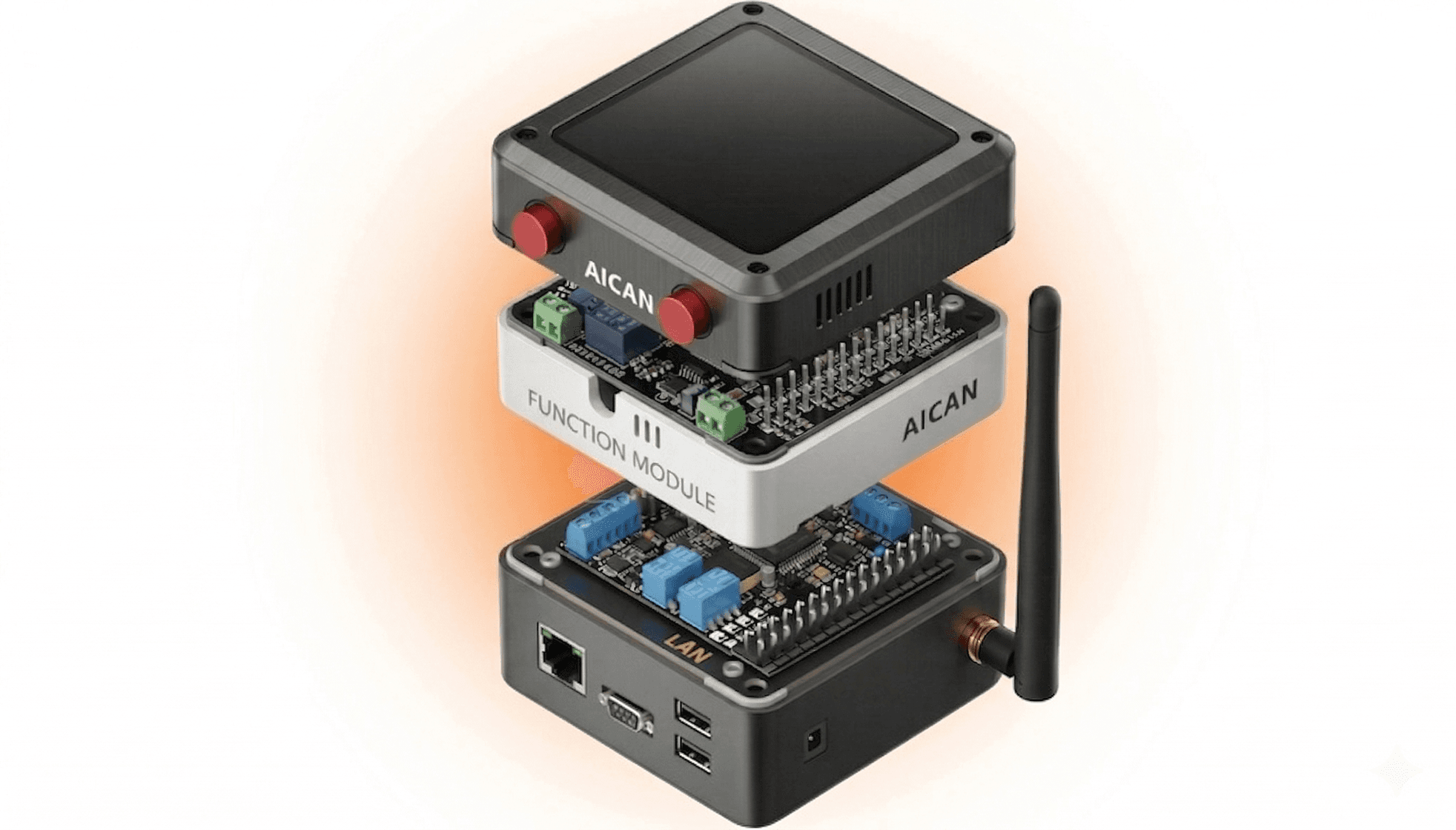
Prevent breakdowns before they happen. Our AI analyses patterns to flag failures weeks in advance.
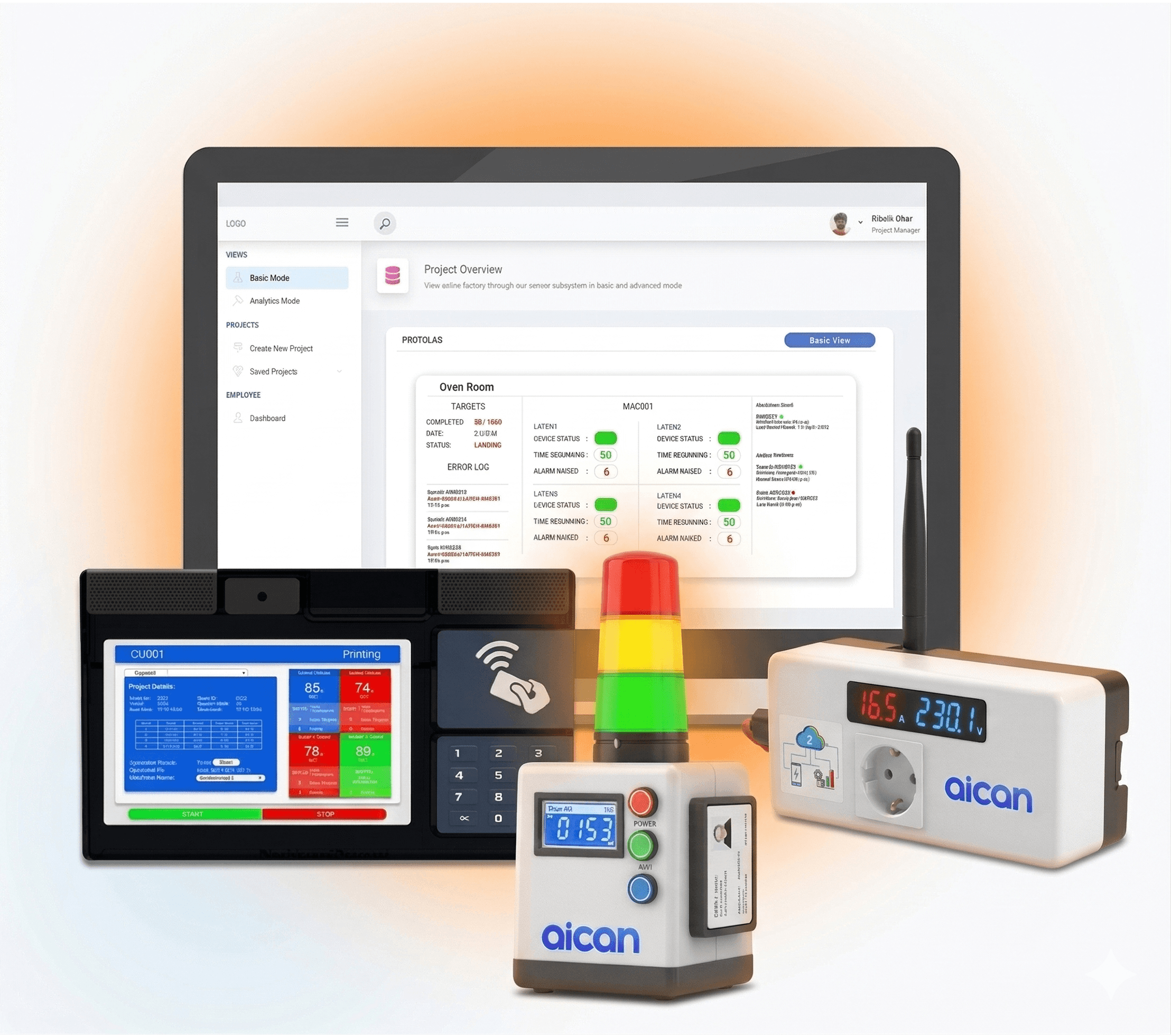
Reduce waste and improve output with AI-optimized production cycles and energy consumption insights.
Optiwise AI
AI Agents That Work Like Your Best Employees.

Currently working 24/7 in 200+ factories
and more… →
Currently working 24/7 in 200+ factories
and more… →
Currently working 24/7 in 200+ factories
and more… →
Currently working 24/7 in 200+ factories
and more… →
Currently working 24/7 in 200+ factories
and more… →
Currently working 24/7 in 200+ factories
and more… →AI Intelligence
AI forecasts demand, predicts breakdowns, and optimizes inventory to help you plan weeks ahead.
AI forecasts demand, predicts breakdowns, and optimizes inventory to help you plan weeks ahead.
Your AI agents instantly raise purchase indents, schedule production, or trigger maintenance based on real-time data — autonomously.
AI summarizes thousands of data points into visual insights and recommendations tailored for every role — from operator to CEO.
Ask questions like "Show me today's downtime report" or "Predict next week's output". Optiwise AI answers instantly, in natural language.
Solution for every team
Owner / CEO
See every plant, order, and machine in one command center. Turn operations data into decisions — not spreadsheets. Reduce dependence on manual follow-ups & people-driven execution.
KPI intelligence generated daily.
Trace profitability & leakage detection.
Forecast workloads, hiring & expansion.




Everyone loves Optiwise
Helped companies grow and manage global teams
Pricing
Digitize Plan
Perfect for small workshops starting ERP digitization.
INR
Paid monthly
Optimize Plan
Most popular plan for growing manufacturers integrating IoT.
INR
Paid monthly
Scale Plan
Designed for multi-plant enterprises pursuing predictive, AI-driven manufacturing.
INR
Paid monthly
FAQ
Find answers to commonly asked questions.
Optiwise is a comprehensive cloud-based ERP platform designed for manufacturing companies with AI intelligence and IoT integration.
Optiwise is designed for manufacturing companies of all sizes, from micro companies to large enterprises.
It is purpose-built for manufacturers, combining ERP, AI agents, IoT hardware, and industry-specific workflows.
Optiwise is primarily cloud-based, giving teams access from anywhere with secure role-based control.
No. You can start with one module and progressively integrate workflows as your team scales.
Get Started Today
Built for manufacturers who want clarity, control, and confidence.
Get Started FreeMeet Us Right Away — We're here to assist, answer and address any feedback.