
Fast Creation
Create purchase orders, vendors, stock entries and delivery challans from your phone.
Loading Optiwise
Illustrative sample records below; not live customer data.
Handle purchase, sales, and inventory workflows in seconds, wherever you are.
Why Mobile
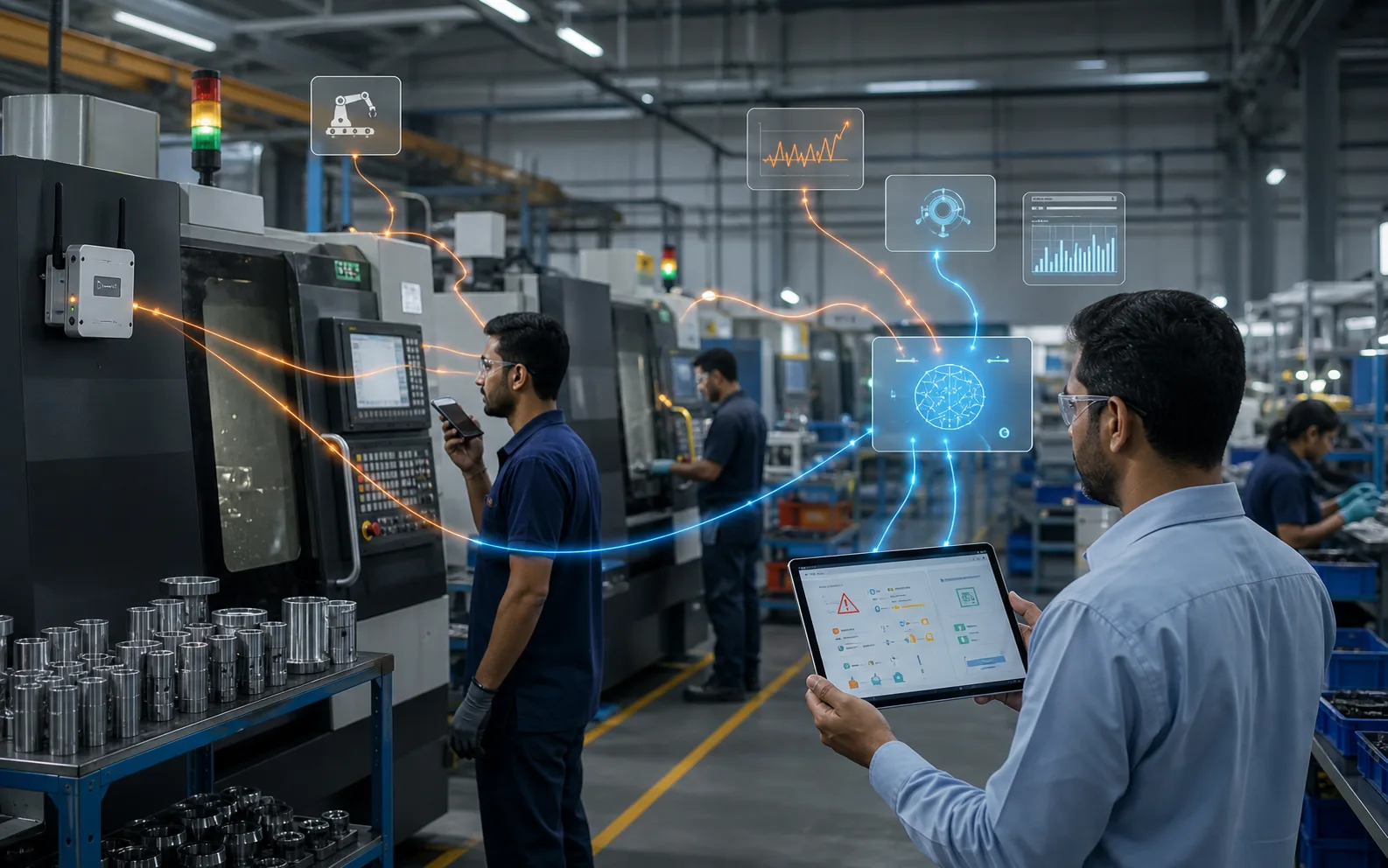
Optiwise Mobile is an execution layer for your factory team with fast creation, quick approvals, and connected updates from the floor.
Create purchase orders, vendors, stock entries and delivery challans from your phone.
Review and approve workflows without waiting to get back to your desk.
Saved mobile entries connect with the team’s shared records. Check submission status when the network is interrupted.
Chat with your AI agents for insights. Ask questions, get clarity, act faster.
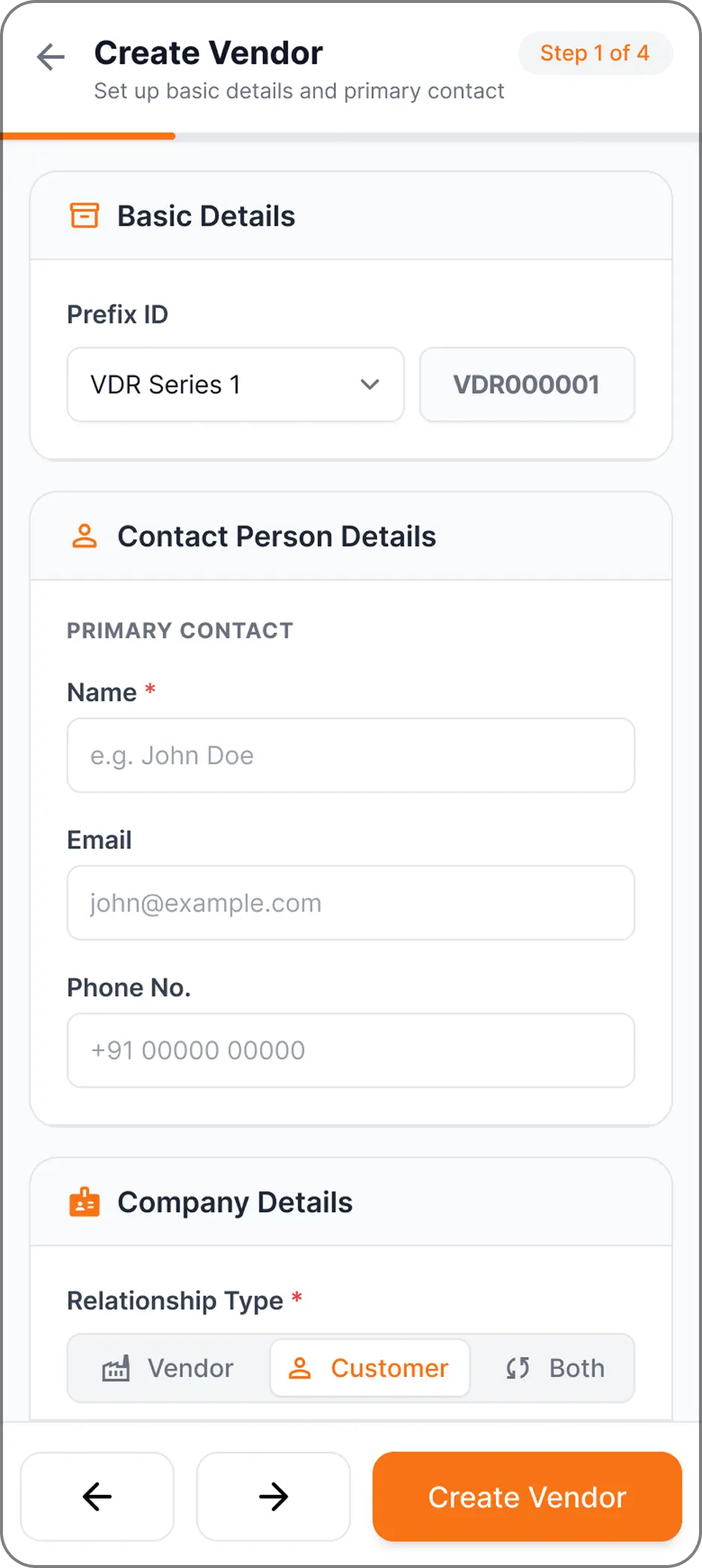
Create vendors, raise purchase orders, and track deliveries from your phone. No desktop needed to keep procurement moving.
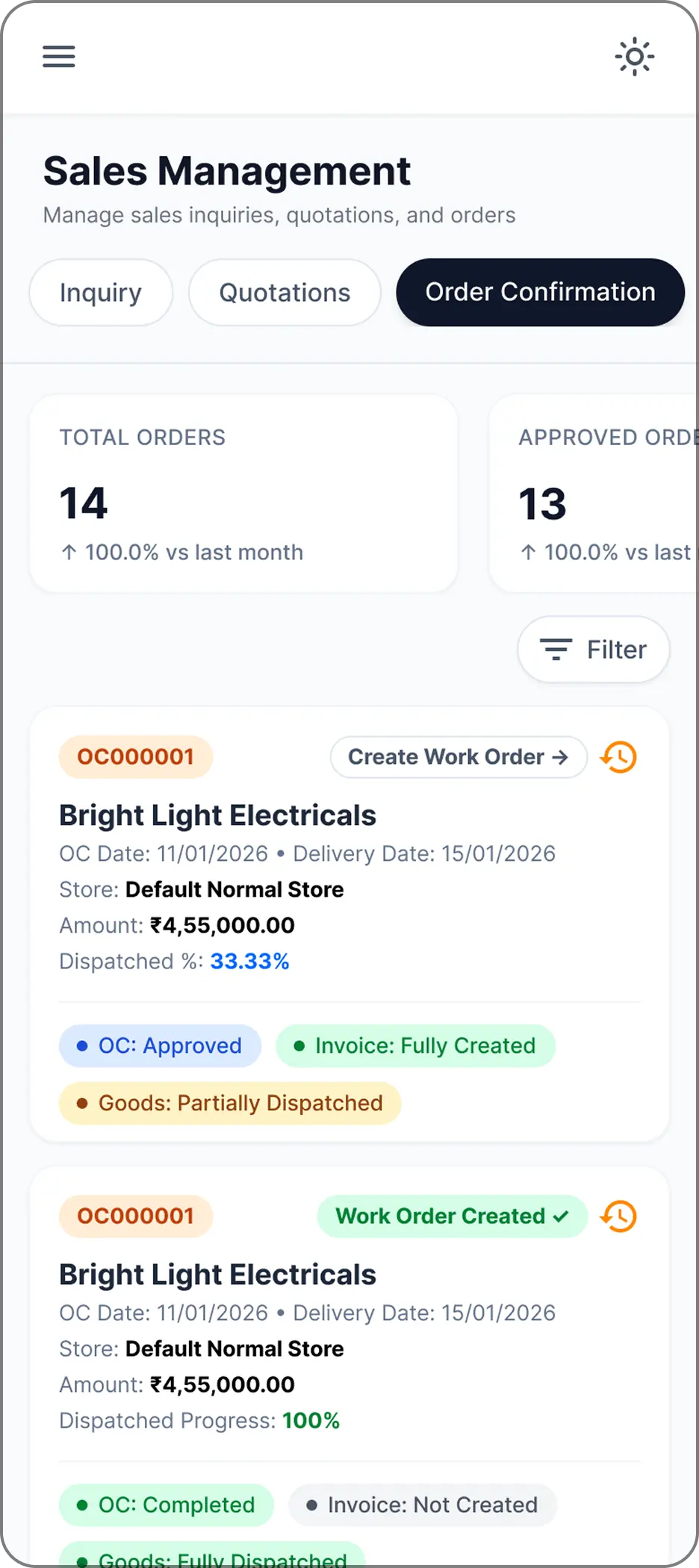
Manage order confirmations, create delivery challans, and track dispatch status without switching to a desktop or waiting for updates.
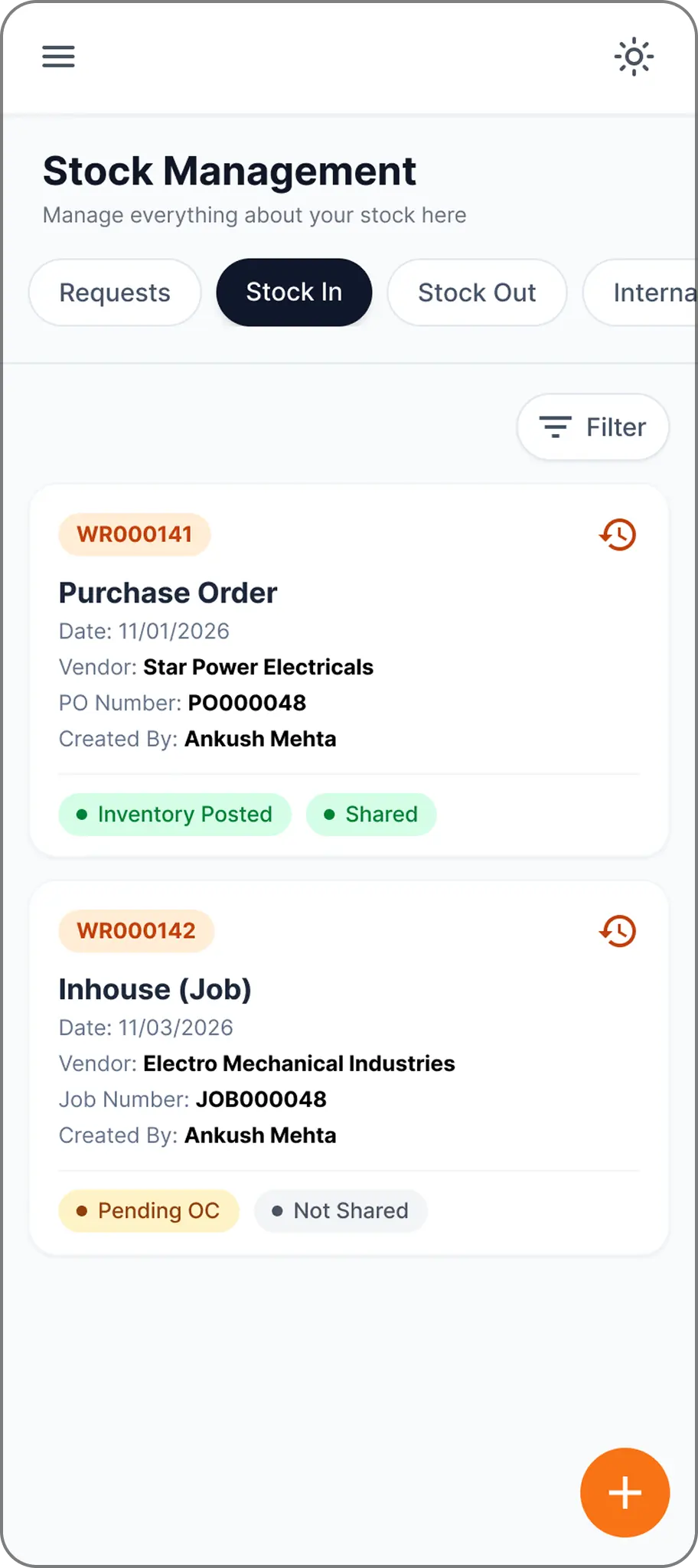
Add stock the moment it arrives. Capture inward entries and GRNs directly from the warehouse floor with no back-and-forth required.
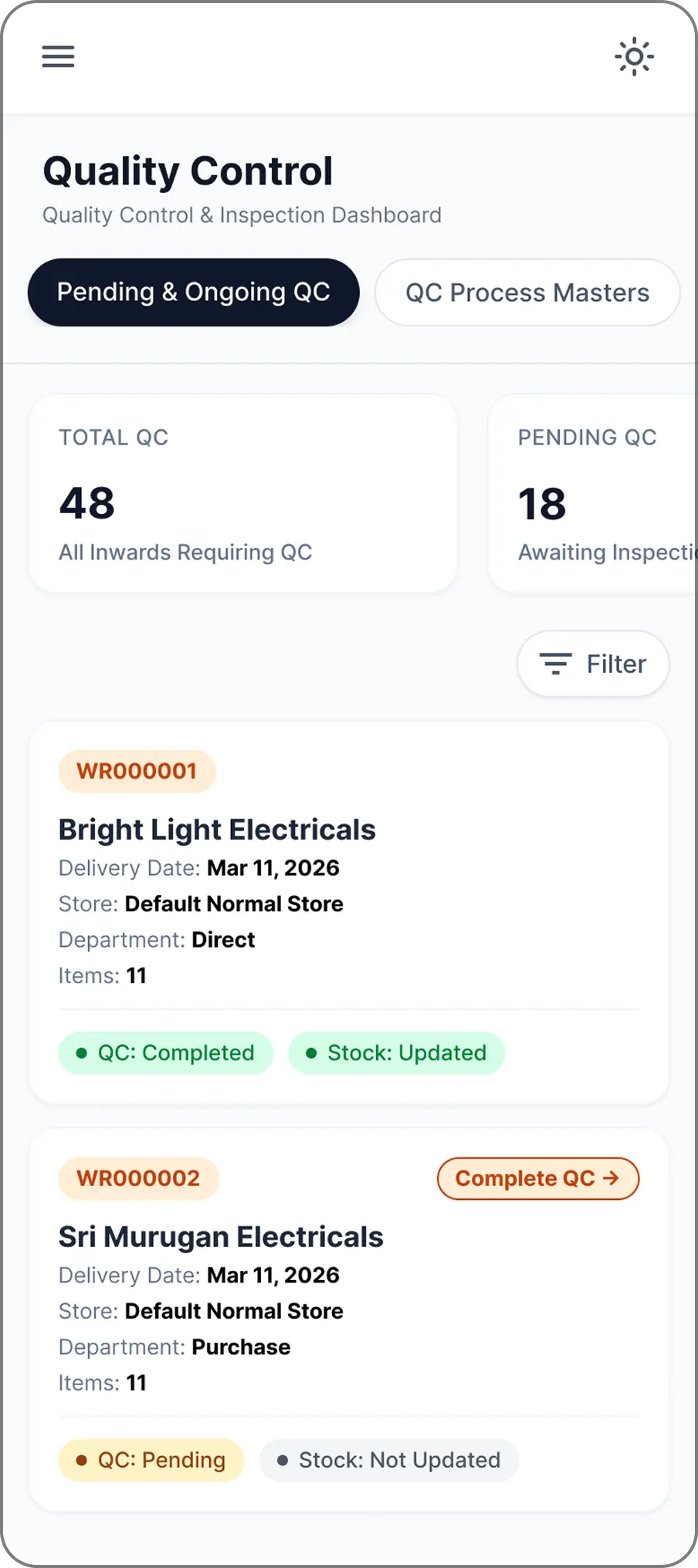
Complete QC inspections from the floor, follow the configured stock-release decision and keep the inspection with the inward reference from your phone.
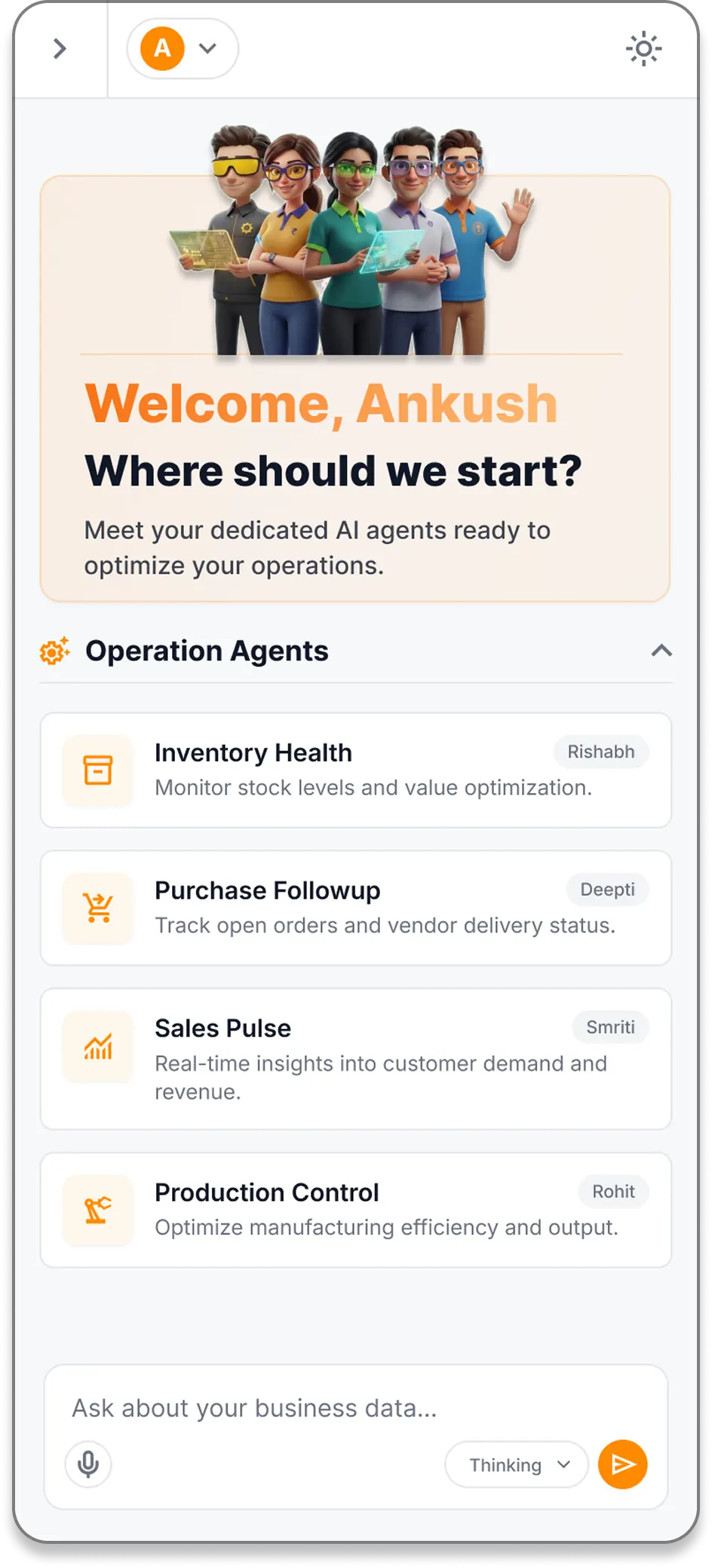
Your AI agents are available on mobile as a chat assistant. Ask about connected business records. Keep a missing or stale record visible when you use the answer.
Built for Speed
No dependency on desktop. Faster execution for on-ground teams who need to update, approve, and respond in the moment.
Use the supported mobile purchase, sales, inventory and quality workflows to create, review and update records.
On-ground teams complete tasks the moment they happen, not hours later at a desk.
Saved entries connect with purchase, sales and inventory according to each user’s access.
Reduce approval bottlenecks and data lag with faster decisions from wherever you are.
Get started with Optiwise Mobile and keep your factory moving from anywhere.
The sample records and values shown on this page illustrate a workflow; they are not live customer data.
We give mobile users focused purchase, sales, inventory and quality work. For a delivery, select the purchase order and item, enter the actual quantity and unit, and retain the delivery reference. In an illustrative order for 100 pieces, receiving 60 leaves 40 undelivered. That receipt does not mean all 60 have passed inspection.
With mandatory quality configured, accepted stock follows the required inspection outcome. If five of the 60 pieces are held, the receipt contains 55 accepted and five held; the held pieces are not an additional delivery. The quality user completes the relevant inspection while the buyer follows the remaining supplier quantity.
If the phone loses connection during submission, reopen the order or receipt status before repeating the entry. Use the recorded reference to distinguish a saved receipt from a form that has not completed. Mobile AI on this page is chat-based assistance for questions; do not treat a chat answer as a completed stock transaction. Assigned operator work can also carry operation quantities and attached forms from the floor.
Optiwise implementation costs ₹0. Subscription, optional add-ons and IoT hardware remain separate.
Book a task walkthrough