
Loading Optiwise
Connect OptiEdge, OptiSense, Assembly Monitor and OptiScope with the machine, parameter and job they belong to. Know what the reading can tell you before acting on it.
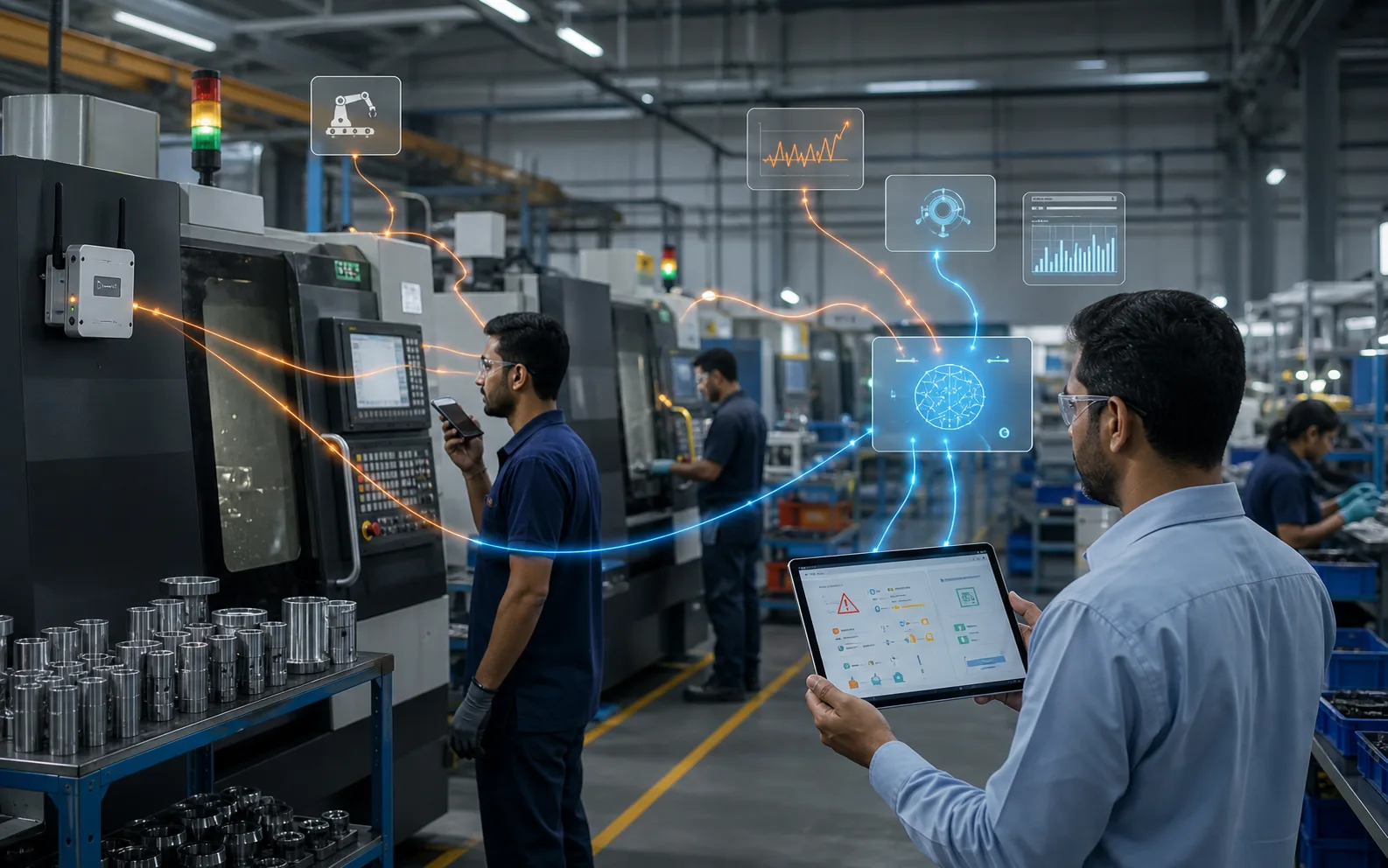
Concept illustration, not a product screen or customer result.
We bring machine information into the same factory context as production work. OptiEdge collects machine data and handles edge processing, with Modbus or OPC-UA connections and Wi-Fi or Ethernet where configured. OptiSense supports power monitoring. Assembly Monitor supplies machine-state signals, while OptiScope supports vibration and machine-health analysis.
Start with a machine and an operational question: has the job stopped, is power being used while no output is recorded, or does a condition signal need investigation? The device choice follows that question and the machine's available connection. A device name alone does not establish which parameters a particular controller exposes.
Your setup identifies the device, machine, parameter, unit, update time and any configured calculation. Link the relevant production job when job-level attribution is needed. A machine signal without that execution link is still monitoring data, but it does not establish which order produced the result.
For example, 2kW is a power reading. Holding that level for half an hour corresponds to 1kWh of energy in a simple illustrative calculation. Neither number is a production quantity. Read energy beside the appropriate time window and accepted output before drawing an efficiency conclusion.
If the last reading is from 12:05 and the supervisor checks at 12:25, first investigate the update gap. A stale signal does not prove the machine stopped for twenty minutes. The responsible person checks device power, the network and the mapped parameter, while the operator confirms the actual machine and job state.
OptiEdge's offline machine-data buffering and resynchronisation support the capture path. They do not mean every factory software workflow operates offline. Agree the connection, installation and network responsibilities for the machines being connected.
Use the machine dashboard to review parameters and timestamps. Follow a confirmed issue into maintenance work, or inspect the energy and production context. Our Manufacturing Intelligence layer connects that information with the factory records used to decide what happens next.
Identify the equipment and supported source signals.
Set the device, unit, timestamp and calculation.
Link the execution record when attributing data to work.
Check stale readings or confirmed exceptions before deciding the next action.
Choose the operational question first. OptiEdge handles machine data collection, OptiSense power monitoring, Assembly Monitor machine-state signals and OptiScope vibration/health analysis. The machine connection and required parameters determine the setup.
Job-level interpretation needs the relevant execution context. Set up the machine/job link and capture step so a reading can be understood beside the work it belongs to.
Optiwise implementation costs ₹0. Software subscription, optional add-ons and IoT hardware are separate. The device and connection scope should match the machines you choose to connect.
Bring the records behind one everyday exception. We will follow the work, the responsible people and the next decision in Optiwise.