
Free Gst Invoice Generator | Optiwise
Learn what a free GST invoice generator does, key GST invoice details to include, common risks, and when businesses need ERP-based invoicing instead.
Free GST Invoice Generator: Useful Tool or Risky Shortcut?
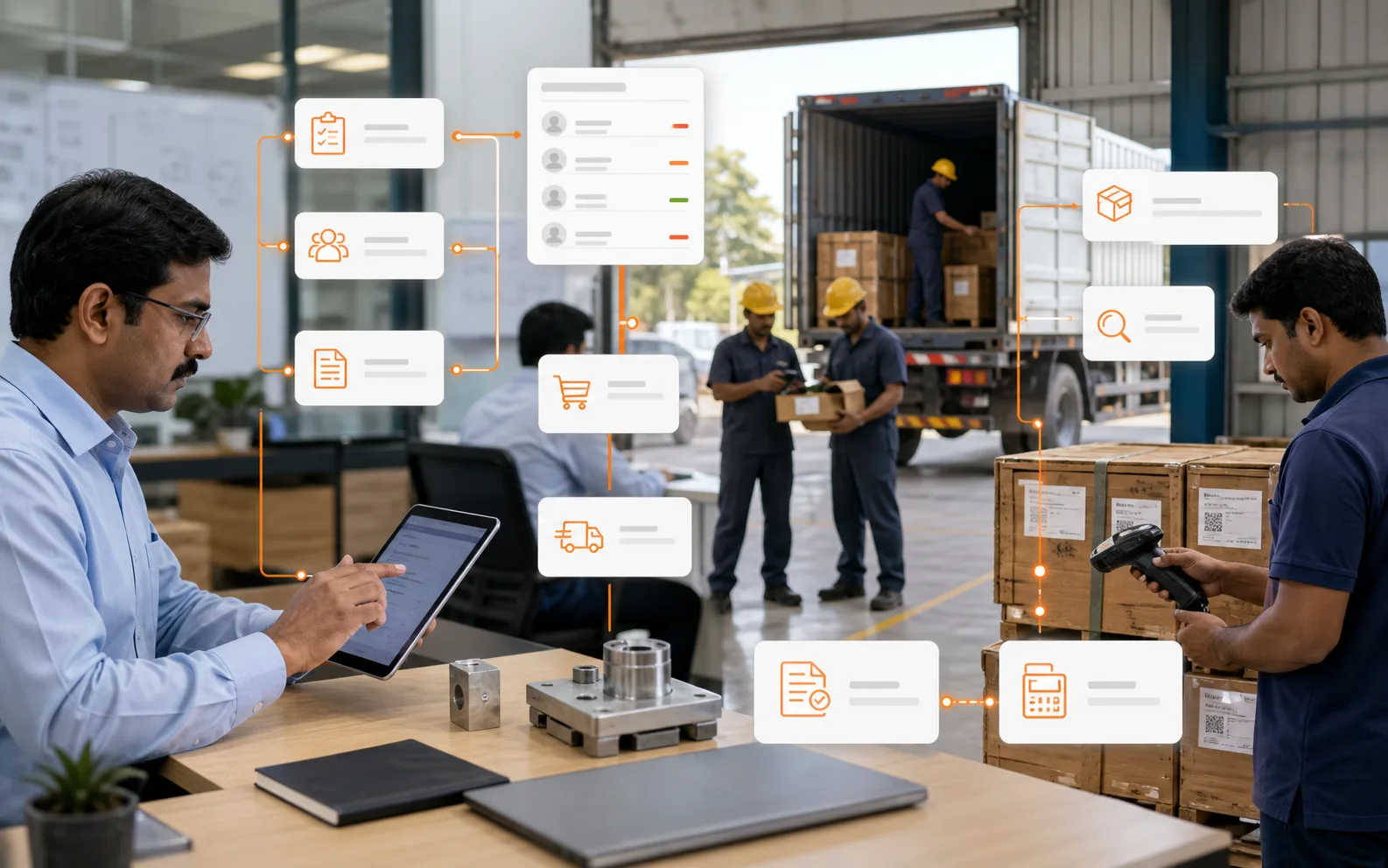
A free GST invoice generator can be helpful when a business needs to create a simple invoice quickly. But invoicing is not only about producing a PDF. A GST invoice is a tax document, a customer document, an accounting record, and often a link to e-way bill, e-invoicing, inventory, dispatch, and payment follow-up.
That is why businesses should be careful. A free generator may create a good-looking invoice, but the business is still responsible for correctness, numbering, tax details, records, and compliance.
AICAN Optiwise helps growing businesses connect invoicing with sales orders, inventory, dispatch, finance, and reports instead of treating invoices as isolated documents.
This article is for general operational understanding and is not tax or legal advice. GST requirements can change, and businesses should consult a qualified GST professional or refer to official GST/CBIC resources for specific situations.
What Is a Free GST Invoice Generator?
A free GST invoice generator is an online or offline tool that helps create GST invoice formats. It may allow users to enter supplier details, customer details, item details, GST rates, quantities, taxable value, and tax amounts.
It may be useful for:
- Freelancers
- Very small businesses
- One-time invoices
- Testing invoice formats
- Early-stage businesses with low volume
But as transactions increase, manual invoice generators create control problems.
Key Details a GST Invoice Should Capture
Official GST rules prescribe particulars for tax invoices. Businesses should verify current requirements from official sources such as CBIC GST rules and the GST portal.
Common invoice details include:
- Supplier name, address, and GSTIN
- Invoice number
- Invoice date
- Recipient name, address, and GSTIN where applicable
- Place of supply where applicable
- HSN or SAC code where applicable
- Description of goods or services
- Quantity and unit
- Taxable value
- GST rate
- CGST, SGST, IGST, or UTGST amount as applicable
- Total invoice value
- Signature or digital authentication where applicable
For certain businesses, e-invoicing or e-way bill requirements may also apply based on rules, turnover, transaction type, and movement of goods.
Benefits of a Free GST Invoice Generator
A simple invoice generator can help with:
- Quick invoice creation
- Basic formatting
- Tax calculation support
- PDF download
- Small transaction volume
- Easy starting point for new businesses
For a very small business, it can be better than making invoices manually from scratch.
Risks of Using Only a Free Generator
The risk begins when invoices are created without connected records.
Common issues include:
- Duplicate invoice numbers
- Wrong GST rate
- Missing customer GSTIN
- Wrong place of supply
- No stock update
- No payment tracking
- No dispatch linkage
- No e-way bill workflow
- No e-invoice readiness where applicable
- No audit trail
- Poor report visibility
A PDF invoice does not mean the business has control.
GST Invoice Generator vs ERP Billing
A free generator creates an invoice document. ERP billing connects the invoice with business operations.
ERP can connect:
- Quotation
- Sales order
- Inventory availability
- Dispatch
- Invoice
- Customer outstanding
- Tax reports
- Payment follow-up
- Credit notes and debit notes
- Sales returns
This is important for manufacturers and traders because invoicing should reduce stock, update receivables, and support reporting.
When a Free GST Invoice Generator May Be Enough
It may be enough when:
- Transaction volume is very low.
- Inventory tracking is not required.
- No production or dispatch workflow is involved.
- Invoices are simple.
- The business has separate accounting control.
- A GST professional reviews compliance requirements.
Even then, records should be maintained carefully.
When ERP-Based Invoicing Is Better
ERP-based invoicing is better when:
- Sales volume is growing.
- Inventory must update automatically.
- Dispatch and billing must be linked.
- Customer outstanding must be tracked.
- GST reports need structured data.
- Multiple users create invoices.
- Approvals or pricing controls are needed.
- E-invoicing or e-way bill workflows may apply.
At that stage, invoice generation is only one part of the billing process.
What to Check Before Using Any GST Invoice Tool
Before relying on a free tool, check:
- Does it support required invoice fields?
- Can it handle CGST, SGST, IGST correctly?
- Can invoice numbering be controlled?
- Can customer and item masters be saved?
- Can HSN or SAC details be maintained?
- Can reports be exported?
- Does it support credit/debit notes if needed?
- Does it connect with inventory or accounting?
- Is data secure?
- Is GST compliance reviewed by a professional?
Do not choose an invoice tool only because it is free.
How Optiwise Helps
Optiwise by AICAN helps businesses treat invoicing as part of the larger order-to-cash flow. Sales orders, finished goods, dispatch, invoices, customer outstanding, and reports can be connected.
This matters because billing is not just document creation. It is the moment where operational work becomes revenue and receivable.
Founder’s Note
At AICAN, we believe small businesses should use simple tools when they are genuinely enough. But they should also know when simplicity becomes a hidden risk.
AICAN built Optiwise for businesses that have moved beyond isolated documents and need connected control across sales, stock, dispatch, finance, and reporting.
FAQs
What is a free GST invoice generator?
It is a tool that helps create GST invoice formats by entering supplier, customer, item, tax, and invoice details.
Is a free GST invoice generator enough for business compliance?
Not by itself. The business remains responsible for correct GST treatment, records, numbering, reports, and applicable compliance. Consult a GST professional.
What details should a GST invoice include?
Common details include supplier GSTIN, invoice number, date, recipient details, item description, HSN/SAC, quantity, taxable value, GST rate, tax amount, and invoice value.
When should a business move from invoice generator to ERP?
When inventory, dispatch, customer outstanding, approvals, reporting, and higher invoice volume need connected control.
How does Optiwise help with GST invoicing?
Optiwise by AICAN connects invoicing with sales orders, inventory, dispatch, customer outstanding, finance visibility, and reports.

Related Posts
Types Of GST Returns For Manufacturers | Optiwise
A practical guide to GST returns for manufacturers, including GSTR-1, GSTR-3B, GSTR-9, GSTR-9C, composition returns, TDS/TCS returns, and reconciliation discipline.
17 May 2026Read more →Gst Invoice | Optiwise
Understand GST invoices, required details, common mistakes, e-invoice readiness, and how ERP helps manufacturers create accurate billing and tax records.
14 May 2026Read more →Gstr 10 | Optiwise
Learn what GSTR-10 final return is, who needs to file it, when it is filed, what records matter, and how ERP helps businesses close GST records cleanly.
20 Apr 2026Read more →
How to Transition Your Manual Accounting to ERP-Based Accounting
Learn how MSME manufacturers can move from manual or standalone accounting to ERP-based accounting with clean masters, opening balances, inventory links, approvals, and finance controls.
13 Apr 2026Read more →