
Loading Optiwise
Loading Optiwise
Manage inquiries, quotation versions and approvals, then carry confirmed orders into production, dispatch and payment visibility.
Customer context, quotations, approvals and order execution in one workflow
Manage inquiries, customer history, follow-ups, quotation versions and approvals in Optiwise. Once a make-to-order sale is confirmed, the system creates the work order. Sales, planning and stores can follow the same requirement into material readiness, production and dispatch.
A revised quantity changes more than the quotation total. It can change material demand, available capacity and the delivery commitment. Keep the accepted version, specification, unit and date with the order so the factory acts on the scope the customer agreed.

Illustrative order trail: inquiry Q-104 starts at 200 units. The customer then requests 240 units and a different delivery date. Quotation v2 retains the revised scope; the commercial approver reviews it before confirmation. The extra 40 units need the same material and capacity review as the original requirement.
| Stage | Record carried forward | Responsible role |
|---|---|---|
| Inquiry Q-104 | Customer, item/specification, 200 units, requested date and next follow-up | Sales owner |
| Quotation v1 | 200 units, price basis, terms, validity and the inquiry reference | Sales / commercial team |
| Quotation v2 | 240 units, revised date and changes from v1 | Sales records the revision; planning reviews feasibility |
| Commercial approval | Accepted version, approver, decision time and remarks | Authorised approver |
| Confirmed order | 240 units and the accepted specification, date and terms | Sales confirms the agreed scope |
| Make-to-order work order | Linked sales requirement and production quantity | Planning follows material and execution actions |
If another change arrives after confirmation, identify the affected order and work already released. Review material, production and dispatch before recording a new commitment. Retaining v1 does not mean its old quantity should still drive the active job.
Smart Suggest checks BOM demand, usable stock, open purchases and existing production. Create the remaining in-house jobs, purchase indents or subcontract service orders from that context. Order timelines carry processed and pending quantities, stock context, dispatch, invoice and payment events.
Sales can answer a delivery question using the order’s actual progress. Keep an incoming receipt or a pending inspection distinguishable from material ready to issue. Use the stock availability check before making a new quantity promise.
Our sales AI works with inquiry, customer, quotation and order context. Retrieve business records and initiate permitted actions in natural language, including multilingual interaction. Role permissions and the configured workflow govern the action.
No-code fields, forms, document templates and event-driven automations adapt the sales process to your required details. Set the approval roles, follow-up ownership and document numbering, then test a changed quantity and an overdue commitment with the people who handle them.
Use the quotation worked guide to prepare the item, specification, unit, accepted version, quantity and date. Carry those references into the confirmed order before planning the factory work. A revised quotation total alone does not tell stores which item or drawing changed.
Keep any partly completed work visible when the customer requests another change. Sales and planning can then review the outstanding quantity and material constraint before confirming the next date. Open the quotation example and preparation tool, then bring both versions and one delivery exception to the walkthrough.
Use a redacted inquiry, two quote versions, an approval and a delivery exception. Follow the same order with your sales, planning and stores users. Check the current version, material action, responsible person and next customer update at each step.
Book an Optiwise demoYes. Confirmed make-to-order sales create work orders automatically. Smart Suggest then checks BOM demand, stock, open purchases and existing production to calculate the remaining material actions.
Yes. Optiwise keeps quotation versions and supports commercial approval layers. Carry the accepted quantity, date, specification and version into the confirmed order so production works from the agreed scope.
Smriti works with sales and customer records through natural-language queries and permitted actions. Users can retrieve inquiry, quotation and order context and act within their role and configured workflow.
Bring one inquiry, two quotation revisions, the commercial approval, a confirmed order and a delivery exception. Include your sales and planning users so they can follow the handoff into production and dispatch.
Keep customer commitments connected to factory records

AI-generated workflow illustration.
Keep source, customer history, priority, owner and follow-up date with the inquiry. Track its status and time waiting for action in the sales pipeline.
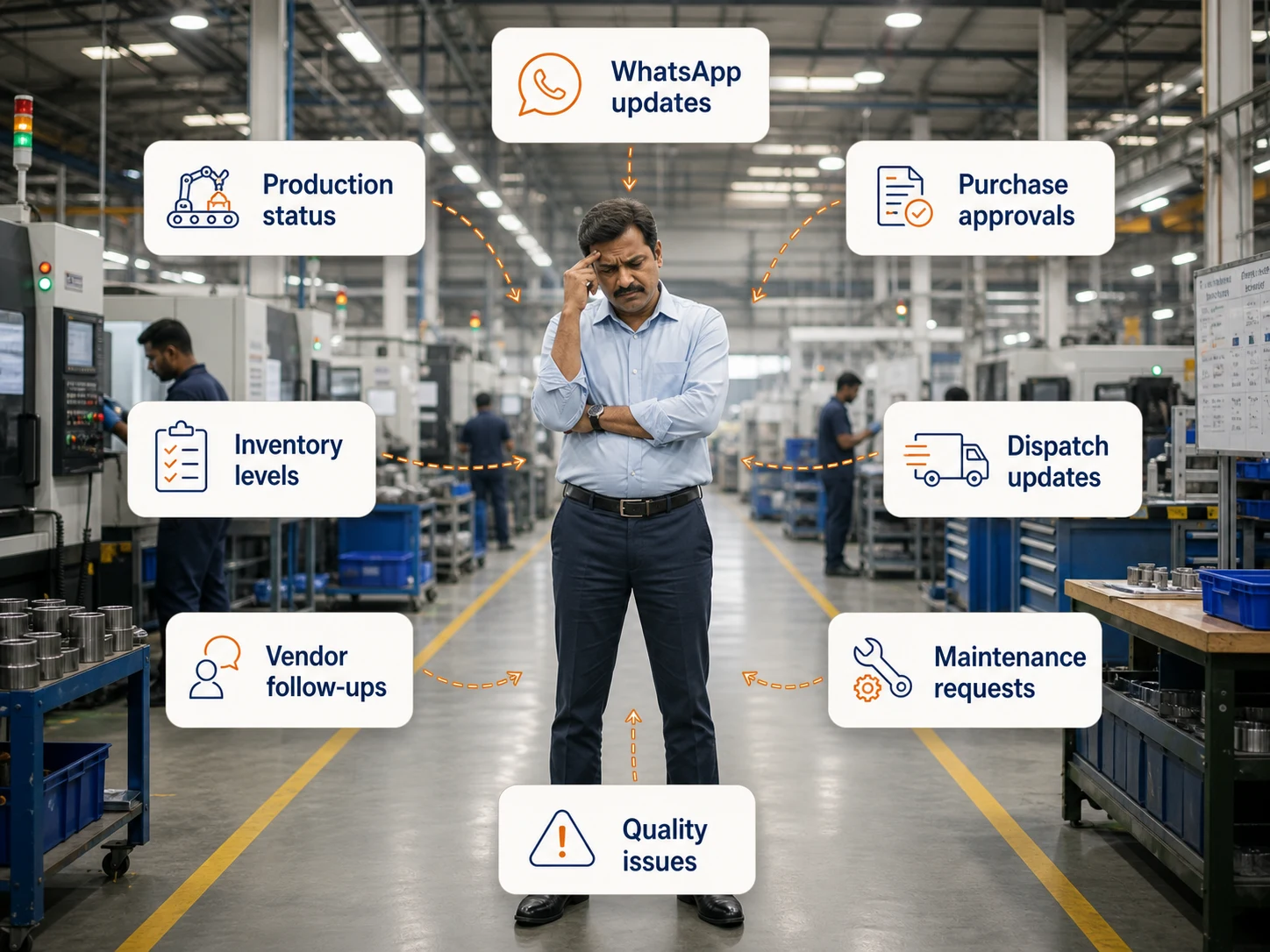
AI-generated workflow illustration.
Create quotations from customer requirements with pricing, terms and cost context. Retain each version and carry the accepted scope through commercial approval.

AI-generated workflow illustration.
Generate proforma documents and use configurable document templates. Follow the order timeline through dispatch, invoice and payment events with their references.

AI-generated workflow illustration.
Confirmed make-to-order sales create work orders automatically. Review processed and pending quantities, inventory context and dispatch milestones from the sales timeline.
Sales co-pilot
Example conversation
"I noticed a quotation nearing expiry
for a high-value inquiry. Send a
follow-up or revise pricing to improve
conversion?"

Smriti AI retrieves customer, inquiry, quotation and order records and performs permitted actions in natural language. Work in the language your team uses, within your role and configured workflow.
Bring one inquiry, a revised quote and an approved order. Follow the same requirement with your sales and production teams.