
Easy Manufacturing ERP: Run Your Factory in Optiwise
Give stores, production and quality clear daily work in Optiwise. Connect orders, materials, jobs and dispatch with AI and no-code tools.


Factory illustration.
Run purchasing, stock, production and quality in Optiwise, with a clear workspace for each person doing the work. Your storekeeper records a receipt. Your operator records output. You see how the order is moving, without collecting a separate update from every department.
We built Optiwise for manufacturers who want one connected factory system their team can use every day. Quotations, material requirements, purchases, jobs, inspections and dispatch stay linked as the work moves through your factory.
Give your team the work they need to finish
Your storekeeper needs pending receipts and material requests. Your production supervisor needs today's jobs, quantities and delays. Your quality team needs the inspections waiting for a decision. Optiwise gives each department its own dashboard and controls access by role.
The same order connects their work. When purchasing, production or a subcontractor's work progresses, the status updates within the production order. You see what is moving and where someone needs to act.
On the shop floor, operators record the machine, worker, time and quantity against the job. Attach drawings and work instructions to the process so the person doing it has the information close at hand. Our production tools bring planning, job records, quality and outside processing together.
See the shortage before it stops the job
Suppose a job needs 100 steel blanks. You have 80 ready to use and another 30 waiting for incoming inspection. The job is 20 pieces short until quality releases enough of the new delivery.
In Optiwise, stores records the delivery and the quality team receives the required inspection. Stock updates after the goods receipt note, or GRN, is completed. Material waiting for that step is not treated as a completed stock receipt.
Smart Suggest checks the bill of materials, which lists the parts needed for the job, against stock, existing production and purchase orders. From the quantities that need action, your planner creates the purchase, in-house production or subcontract work. Purchasing sees what to arrange, and production follows the same requirement.
If the inspection fails, the shortage still needs attention. Your planner checks the remaining supply and changes the buying or production decision. The reason for the delay stays visible in the work your teams are already handling.
Use AI to get answers and make entries
Ask Optiwise about an order's status or a supplier's quotation history. Our AI reads connected business records and carries out actions in ordinary language. For an incoming delivery, the instruction “Material has come, stock it in” starts the stock-entry action. The entry still needs the correct item, quantity and receipt details.
Our AI supports multiple languages and follows each user's access permissions. A storekeeper works with stock; purchasing works with suppliers. You get answers about the business without learning every menu your departments use.
Change the form when your process changes
Add an inspection field, create a form or build a related module with our no-code tools. Assign the form to the people who use it. Your factory's process stays in Optiwise as products, customers and reporting needs change.
For example, a new customer may need an extra dimension checked before dispatch. Add that measurement to the quality form and keep the result with the inspection. You do not need a separate spreadsheet for that requirement.
Machine data belongs in the same operating picture. Optiwise IoT collects machine and production readings for dashboards showing runtime, downtime and utilisation. You see the machines behind the jobs alongside the records your team enters.
Bring your existing factory records with you
Optiwise supports Excel imports for item, customer and supplier masters. Start with the products you make, the materials they need, your stores and the people responsible for each step. Use one real order to connect those records through purchasing, production and inspection.
Teach each person the work they own: receive material, issue it to a job, record output or complete an inspection. Our forms, role dashboards and process-linked work instructions keep that training close to daily factory work.
One system for the factory you run
Built by manufacturers, for manufacturers, Optiwise brings your core operations together: sales, purchasing, inventory, production, quality, subcontracting and dispatch, with AI, machine visibility and no-code tools around them.
Choose Optiwise when you want your team working from connected records and you want a clear view of the order from quotation to dispatch. Book your Optiwise demo. Bring one live order and we will walk through the materials, jobs and decisions needed to deliver it.

Related Posts

Optiwise Optimize Savings: What Shop-Floor Follow-Ups Are Worth
Test whether less shop-floor chasing can cover Optimize: a floor-only example, 13.3-minute break-even, job records, costs and editable calculator inputs.
2 Nov 2026Read more →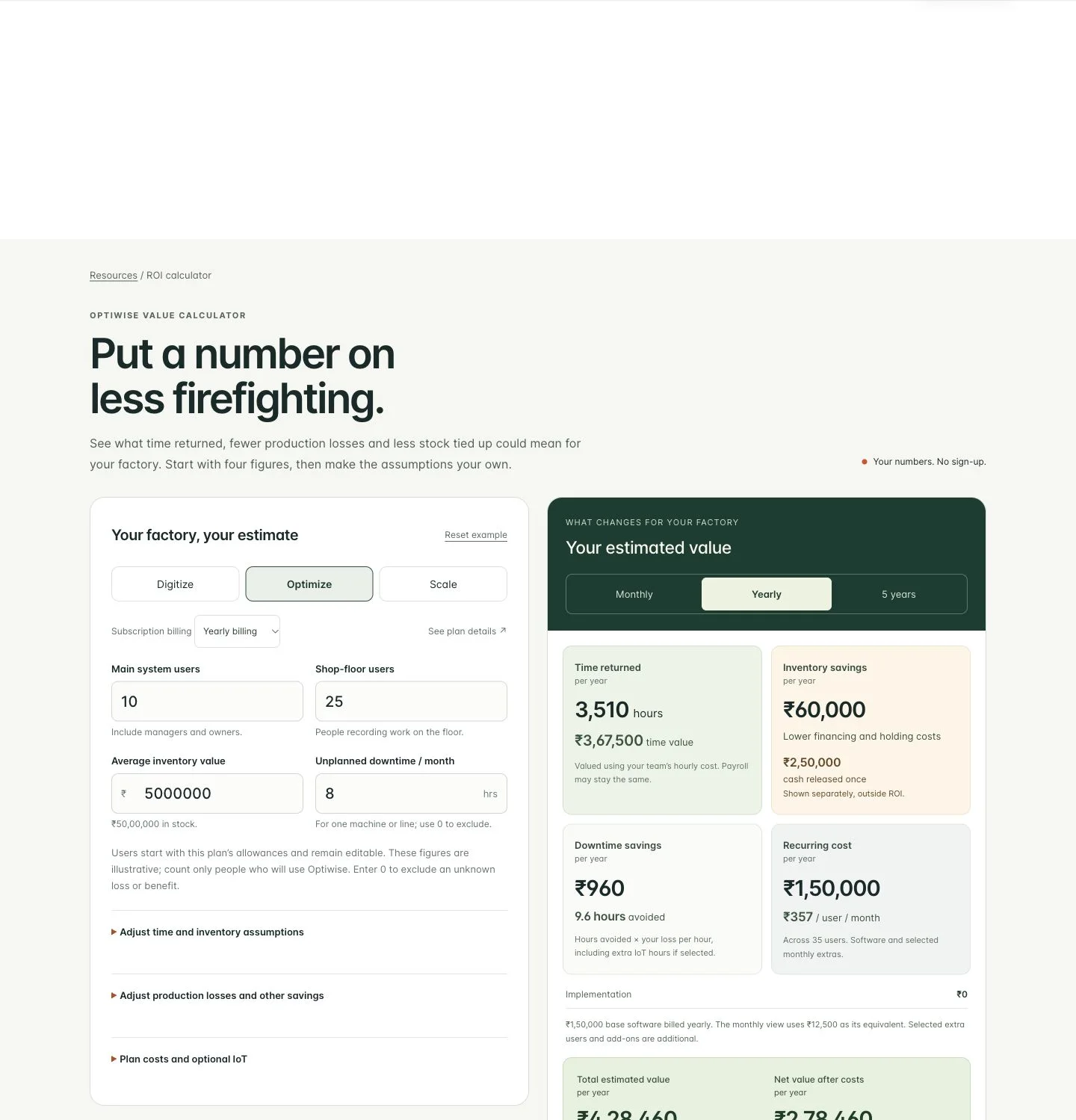
How Much Can Optiwise Save Your Factory?
See a worked Optiwise savings example with time returned, stock carrying costs, software and optional IoT. Use our free calculator for your own factory ROI.
2 Nov 2026Read more →Left and Right Brackets: Build the Correct Assembly Kit
Build complete assembly kits with the right left/right brackets and revision. Work through usable stock, held parts and a wrong-bin exception in Optiwise.
31 Oct 2026Read more →Keep Part IDs Readable After Galvanizing
Keep galvanized parts tied to the right job and drawing. Follow a six-frame return, unreadable IDs and revision mismatches through Optiwise.
31 Oct 2026Read more →