
Rejected Stock Ageing From Detection to Physical Closure
Track how long rejected parts remain unresolved. Separate the disposition decision from physical closure and keep partially returned or reworked lots visible.


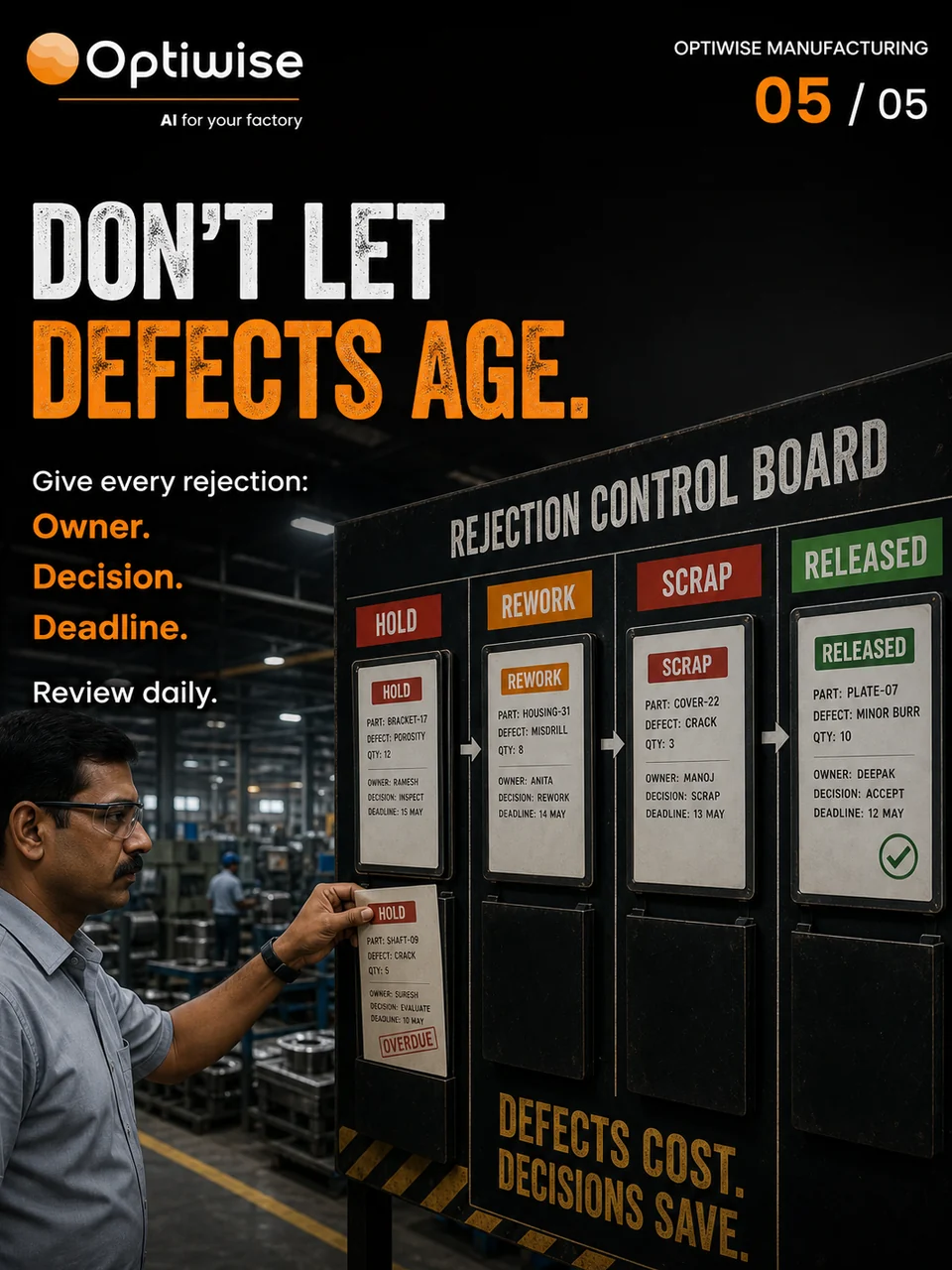
Start the rejection clock when the defect is recorded. Keep the affected quantity, location, decision owner and next review date visible until the authorised action and stock movement are complete.
Give the rejection its own starting date
A stock-age report can tell you when material last moved. A rejection review needs to tell you when the defect was detected, when someone should decide what happens next, and how much is still waiting. A transfer to a hold rack does not make an unresolved rejection new.
Link the rejection to the item, lot, receipt or job, defect evidence and affected quantity. Record the detection time and the physical location. Name the quality or engineering decision owner and agree the next review. Your factory’s procedure and customer requirements determine the decision authority and deadline.
Keep the decision and the movement separate
Consider 20 rejected housings recorded on Monday morning. By Thursday morning’s review, eight have been returned to the supplier with the dispatch evidence retained. Four have approved rework instructions but have not completed rework or re-inspection. The other eight are waiting for a disposition decision.
The original rejection still accounts for 20 housings. Eight have left under the approved supplier return. Twelve remain at the factory. Of those twelve, four have a decision awaiting execution and eight still need a decision. Record these as distinct parts of the same rejection rather than closing the whole lot when the first return leaves.
| Quantity | Current state | Next evidence |
|---|---|---|
| 8 | Returned to supplier | Return document and dispatch acknowledgement |
| 4 | Approved for rework, still on site | Rework completion and re-inspection result |
| 8 | Awaiting disposition | Authorised decision and responsible person |
| 20 | Original affected quantity | 8 returned + 4 in rework queue + 8 awaiting decision |
At this Thursday review, three days have elapsed since detection. That is the age of the unresolved case under this example’s clock. The review does not set a universal three-day limit. Keep the actual timestamps when your procedure measures hours, working days or separate response deadlines.
Close only the quantity the evidence supports
A rework approval identifies the permitted next action. Ask production to record the actual rework and quality to record its result. If only three of the four pass and one still needs review, carry that one forward with its current owner. Keep the original defect date and the later event dates so a move or new instruction does not erase the elapsed wait.
For scrap, retain the approval and the completed stock movement. For a supplier return, retain the authorised return and dispatch evidence. For any concession, use the required technical and customer authority. A changed status needs to agree with what is physically held and what the approved process allows.
Keep the rejection review with Optiwise records
Our quality queue in Optiwise connects inspections with the relevant inward receipt or production reference. Inspection forms record the configured parameters and pass, fail or rework outcome. Inventory and production records carry the later movements and work.
Configure a linked rejection-review record for the detection date, current quantity, physical location, decision owner, due date and closure references. Your quality lead reviews overdue decisions, while stores and production update the actions they have completed. If a due date or disposition reference is missing, keep the case in the review queue.
ERPNext’s quality-inspection guide documents inspection records and acceptance criteria. Your inspection result and authorised disposition still need to be connected to the later action. Use our manufacturing quality guide for the incoming and production inspection workflow.
Questions at the rejection review
Should a partial supplier return close the rejection?
Close the returned quantity when the required evidence is complete. Keep the balance visible under its current state and owner until its own action is complete.
Does moving rejected stock restart its age?
Retain the original defect-detection date. Record the move as a later event and use your defined procedure for the ageing calculation.
Book an Optiwise factory walkthrough and bring one rejection that is still partly open. We can follow the records and the decision with your team.
Related Posts

Find the Bad Mould Cavity Hidden in Your Reject Total
Compare injection-moulding rejects by cavity within the same run. Use a worked sample, clear denominators and linked quality records in Optiwise.
1 Nov 2026Read more →Release Corrugated Cartons Against the Right Test Results
Connect corrugated-carton lots to the right quality tests. See why matching GSM cannot replace missing board or box results before release in Optiwise.
31 Oct 2026Read more →How Sensors Help With Quality Control in Manufacturing
Explain quality-control sensors through measured property, tolerance, calibration evidence, sampling, false alerts and human disposition.
11 Jun 2026Read more →Track Quality Issues in ERP: Inspection to Disposition
Follow an inspection issue through stock hold, approved rework or scrap, quantity reconciliation and corrective-action checks, with a 50-part example.
28 May 2026Read more →