
Left and Right Brackets: Build the Correct Assembly Kit
Build complete assembly kits with the right left/right brackets and revision. Work through usable stock, held parts and a wrong-bin exception in Optiwise.


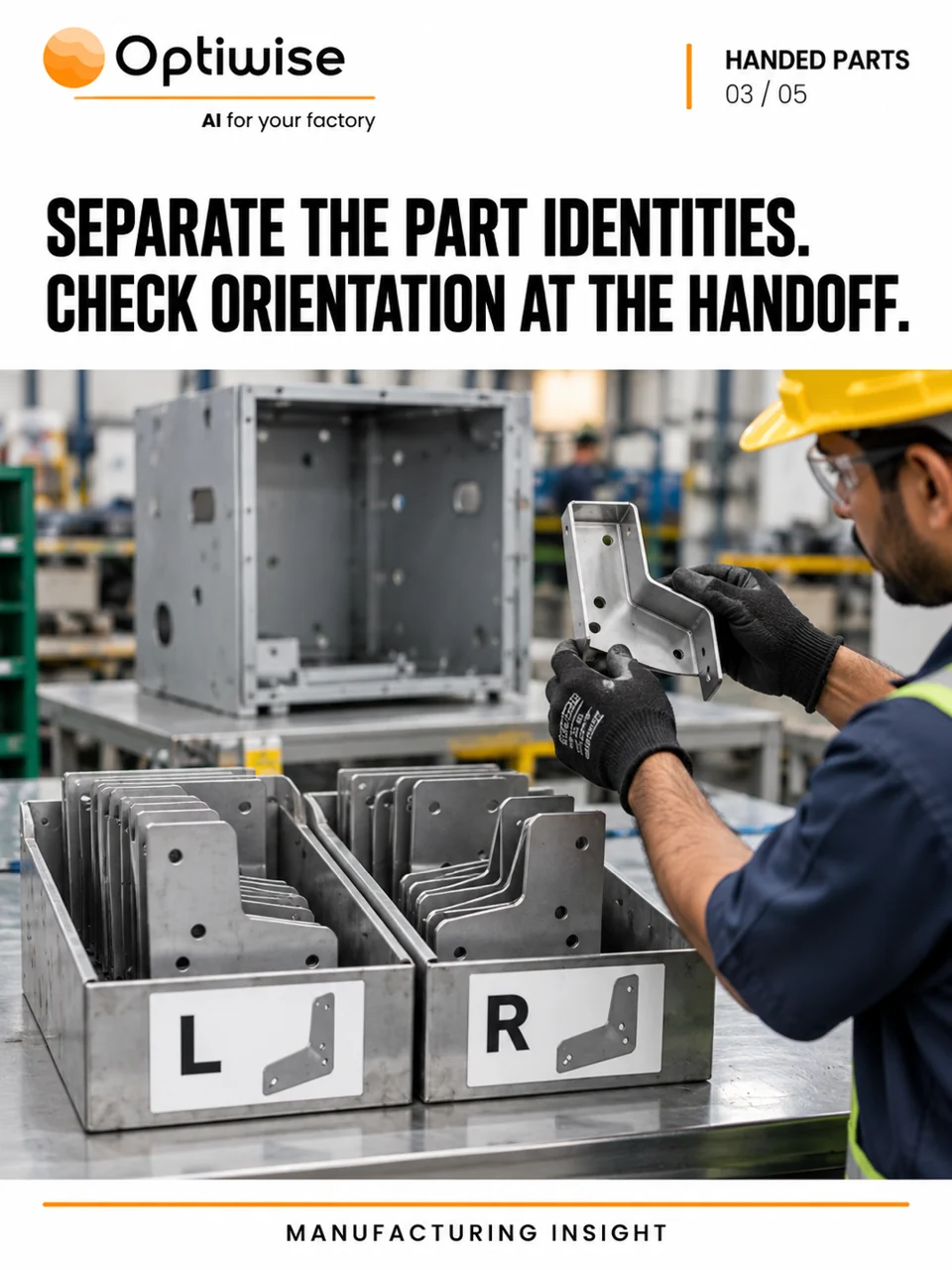
Give left-hand and right-hand brackets distinct item identities, then check each against the assembly requirement. In Optiwise, we connect the bill of materials (BOM), usable stock, material issue and job inspection so a correct total count cannot hide the wrong mix of components.
Ten left brackets cannot complete five assemblies that each need one left and one right. The mix can go wrong after laser cutting, during bending or when parts return to a common bin. Stores may issue the expected number of brackets while assembly waits for the missing hand.
Keep left and right distinct from the first item record
Create separate item identities for components that cannot replace each other in the assembly. Link the correct drawing and revision to each. A bin label saying “brackets” is too broad when the finished unit needs two different parts.
A left/right description also needs an agreed viewing direction. Use the drawing’s orientation and an approved visual reference, rather than leaving two operators to interpret left from opposite sides of the bench. Keep that reference with the relevant job instructions.
GS1’s traceability guidance connects identification with recording and sharing the information behind a physical movement. For this handover, the item and lot or piece identity must describe what moved. Scanning a label on a mixed bin cannot establish the orientation of the component inside it.
Calculate complete kits from the required components
In this illustrative example, assembly MA-08 requires one L-01 left bracket and one R-01 right bracket, both to revision D. The order is for eight assemblies. Stores has 14 correct-revision left brackets and six right brackets. Two of the right brackets are awaiting inspection.
| Component | Required | Usable now |
|---|---|---|
| L-01 left bracket | 8 pieces | 14 pieces |
| R-01 right bracket | 8 pieces | 4 pieces; 2 more await inspection |
The 20 physical brackets do not make ten complete kits. Six right brackets would support six assemblies if all were usable. With two awaiting inspection, only four complete kits are ready now. The eight-unit order is short of four usable right brackets.
If planning releases four assemblies, issue four left and four accepted right brackets to that work. Ten left brackets remain usable in stores, while the two held right brackets still await a quality decision. The remaining four assemblies need four usable right brackets. If the held pair later passes, it supports two more assemblies and leaves two right brackets still to obtain.
Our complete assembly-kit example covers readiness across several component types. Here, the extra check is that each required hand and revision has its own usable quantity. Keep other necessary components, routing and capacity in the release decision too.
Carry the identity through cutting, bending and issue
Use the Optiwise production workflow to connect the component BOM, routing and drawings with the job. Smart Suggest considers material demand, stock, open purchases and existing production before the team creates the remaining purchase, in-house or subcontract actions.
Stores issues the identified components using the configured direct-issue or request-and-approval flow. Record extra issues and unused returns against the work. A preference or request for a component is different from an actual stock issue; the movement record needs the item, quantity, unit and relevant stock identity.
At the cut-sort-bend handover, the operator checks the component against its drawing and visual reference. Use our no-code forms to capture the required part, revision and orientation check, with a photograph where useful. Attach the form to the relevant process or inspection step. We configure the fields and responsibilities for the way your team works.
Deal with a left bracket found in the right bin
Suppose the R-01 bin label scans correctly, but the operator finds a left-hand bracket. Keep that physical piece out of the right-hand kit. Compare it with the drawing, identify its actual item and stock history, and record the discrepancy. Do not create a right-hand issue merely because the scanned label says R-01.
If the system balance is wrong, stores needs a reviewed correction or return and reissue that reflects what physically happened. Retain the original transaction and the reason for the correction. Production then checks whether the accepted components still support the released quantity.
The quality workspace keeps the configured inspection result and pass, fail or rework decision with the relevant record. A barcode identifies a record; recognising the actual handed part still depends on the correct physical check.
Questions about handed-part kits
Can left and right brackets use the same item code?
Use distinct identities when the parts are not interchangeable. The BOM and issue record must specify which component is required; a shared description or total bracket count can hide a shortage of one hand.
What if the drawing revision changes after parts are cut?
Identify the affected jobs and stock, retain the drawing used for the released work, and let the responsible engineer decide whether the parts remain usable. Do not mix revisions because their outline looks similar.
Bring a left/right drawing pair, one BOM and a mixed-bin exception to an Optiwise walkthrough. We will follow the component requirement, stock issue, inspection and remaining assembly decision in the same system.
Related Posts

Optiwise Optimize Savings: What Shop-Floor Follow-Ups Are Worth
Test whether less shop-floor chasing can cover Optimize: a floor-only example, 13.3-minute break-even, job records, costs and editable calculator inputs.
2 Nov 2026Read more →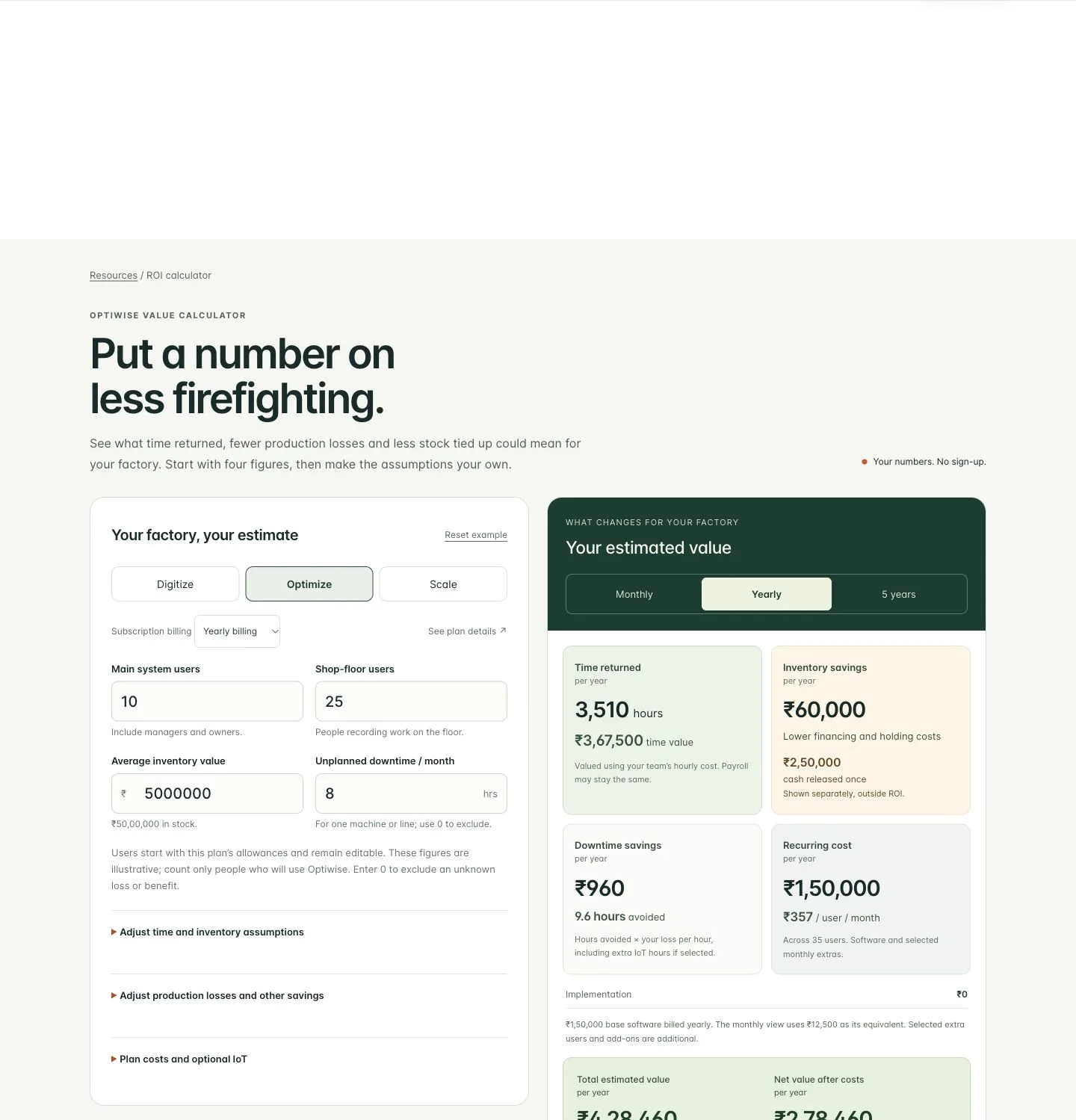
How Much Can Optiwise Save Your Factory?
See a worked Optiwise savings example with time returned, stock carrying costs, software and optional IoT. Use our free calculator for your own factory ROI.
2 Nov 2026Read more →Keep Part IDs Readable After Galvanizing
Keep galvanized parts tied to the right job and drawing. Follow a six-frame return, unreadable IDs and revision mismatches through Optiwise.
31 Oct 2026Read more →A Manufacturing Alternative to SAP: Optiwise
Run your factory in Optiwise, a manufacturing alternative to SAP Business One with connected operations, AI agents and no-code workflows.
14 Jun 2026Read more →