
Chemical Batching: Verify the Ingredient Before Charging
A correct weight can hide the wrong ingredient. Follow approved material, actual lots, weighing evidence and exceptions in an Optiwise batch workflow.


Confirm the ingredient and source lot against the approved batch before accepting a weight or recording a charge. In Optiwise, we connect the material requirement, actual issues and process form so the next person can see both identity and quantity.
The scale reads 20.00 kg. The batch needs 20 kg. That looks complete until someone checks the drum: the required material is RM-A and the drum contains RM-B. An accurate measurement of the wrong ingredient does not meet the batch requirement.
Use this as a record-control example. Your authorised formulation, operating procedure, material compatibility, equipment and process-safety controls determine how the real material is handled. A digital record does not authorise charging or correcting a chemical batch.
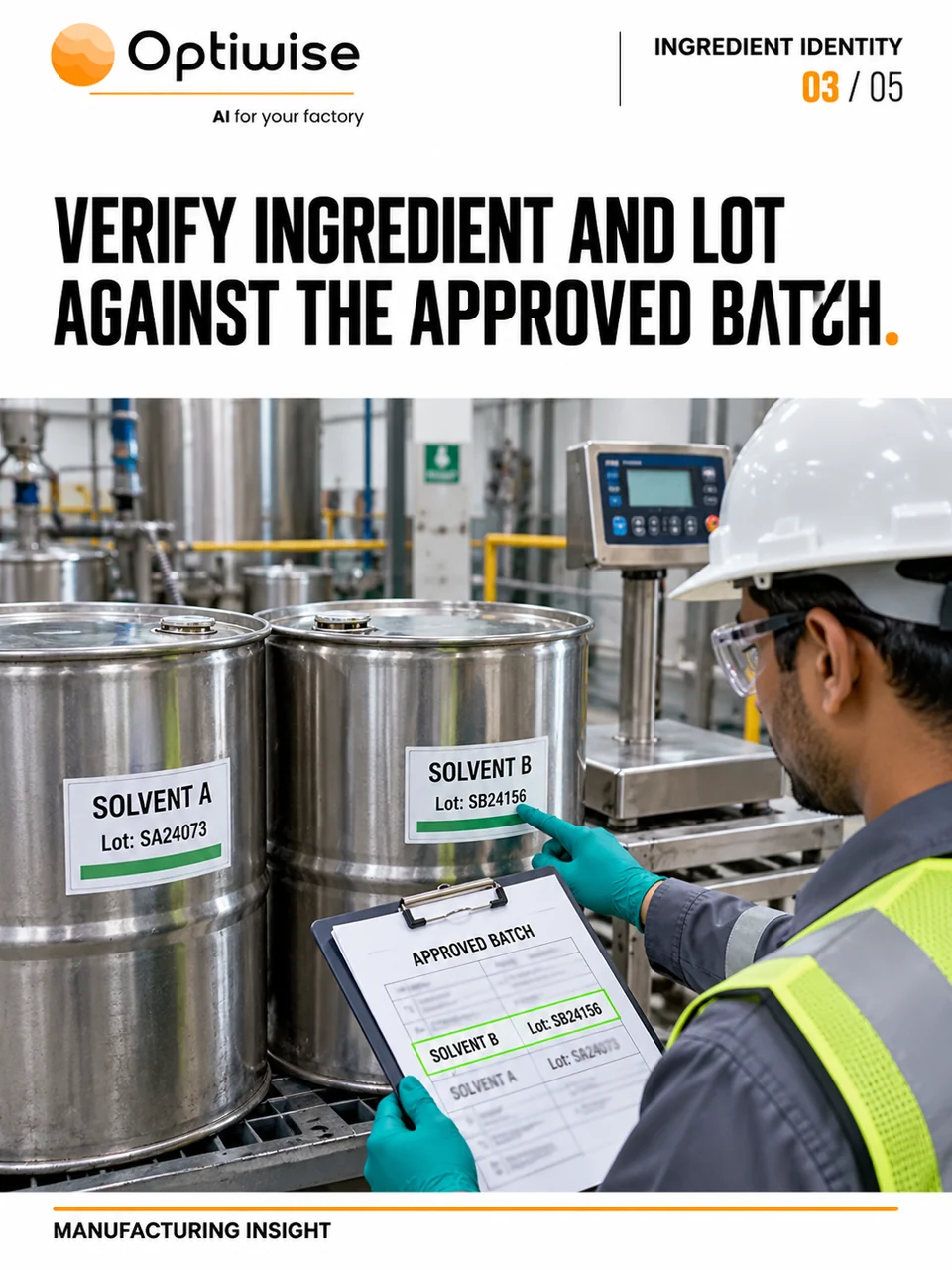
Carry the approved requirement to the weighing task
Start from the released product definition and its current bill of materials, or BOM. Identify the batch, ingredient item, required unit, target quantity and the authorised instruction or revision. The person preparing material needs to see the required identity before selecting a drum. The person accepting the result needs the actual lot and measurement reference.
METTLER TOLEDO’s application note on consistent formulation quality separates weighing accuracy, material selection, labels and documentation as sources of error. Its examples use material identification and retained weighing records. Those specialist weighing systems illustrate the control; they do not establish a native Optiwise scale connection.
Keep the wrong-item event visible
For batch B-031, the approved ingredient line calls for RM-A, 20 kg. The staged drum is RM-B, lot B-77. Even if its measured quantity is exactly 20.00 kg, the identity check has failed. Leave the ingredient requirement unresolved, record what was found and send the exception to the responsible supervisor or quality role before the permitted next step.
Distinguish material staged nearby, material weighed, material issued in the system and material physically charged. They describe different events. Record the actual state rather than marking the ingredient complete because a scale ticket exists. If material has already entered the batch, record that fact and escalate under the plant’s procedure. Do not replace the wrong item in the record with the planned one or improvise a correction from this example.
One ingredient can come from two source lots
Now suppose the authorised team has identified the correct material and permitted two released lots for the same ingredient line. The illustrative record contains 12 kg from lot A-17 and 8 kg from lot A-18. The combined quantity is 20 kg, but the two source histories must remain retrievable.
| Actual material and lot | Quantity and retained link |
|---|---|
| RM-A / A-17 | 12 kg; container, measurement and batch B-031 |
| RM-A / A-18 | 8 kg; container, measurement and batch B-031 |
| Total RM-A | 20 kg; retain both source rows |
A single entry reading “RM-A, 20 kg” loses the split if it omits the two actual lots. Keep each quantity, unit, source container and measurement reference. The relevant procedure defines any tolerances, sequence, independent check or permission to use several lots. The arithmetic alone does not approve a substitution or establish the finished batch’s yield.
Connect the handoff in Optiwise
Our production workflow connects the BOM, job, material requests or direct issues, extra issues, process entries and output. Our inventory records keep the item, lot or barcode, store and movement history available. You can follow the actual material issued to the batch rather than relying on its planned requirement.
We configure a process form for the batch reference, ingredient, source lot/container, actual quantity and unit, operator, time and weighing evidence. Our no-code forms support required fields, scanning where configured, attachments and role access. The approved operating procedure defines who checks identity and who permits the next step. Keep a completed form separate from proof that a physical valve, feeder or charging operation was controlled.
An automatic scale reading, formula-enforcement rule or machine charging interlock needs a defined connection and acceptance test for that equipment. It cannot be inferred from barcode entry or a BOM. Use our quality workflow for the relevant inspection and disposition, while retaining the specialist controls your process requires.
Leave the next shift a record it can follow
At handover, the next operator should be able to identify the batch and current instruction, see which ingredient quantities and lots were recorded, distinguish completed work from unresolved checks, and find the person handling an exception. Keep the original measurement or error with its authorised correction. A tidy total should not remove the event that explains why the batch stopped.
Can a barcode confirm chemical identity by itself?
It retrieves the identity encoded on the label. Correct labelling, physical container checks and the approved verification procedure remain necessary. A readable barcode on the wrong drum can still point to the wrong material.
Can we replace the actual lot with the planned lot to close a job?
Keep the actual material history. Record and resolve the mismatch under the authorised procedure; changing the lot to the expected value would conceal the event you need to investigate.
Bring one approved ingredient line and a wrong-item or split-lot exception to an Optiwise walkthrough. We will map the requirement, actual issue, process record and responsible next action. Implementation costs ₹0; subscriptions, optional add-ons and IoT hardware are separate.
Related Posts
Solder Paste Tracking: Keep Each Jar’s Storage and Opening History
Track solder-paste jars beyond the expiry date. Keep storage removal, opening, job issue and returned paste linked, with a worked timing example in Optiwise.
3 Nov 2026Read more →Fastener Returns: Check Grade, Coating and Lot Before Restocking
Handle mixed fastener returns without overstating usable stock. Follow the item, grade, coating, lot and quality decision through a worked Optiwise example.
3 Nov 2026Read more →
Optiwise Optimize Savings: What Shop-Floor Follow-Ups Are Worth
Test whether less shop-floor chasing can cover Optimize: a floor-only example, 13.3-minute break-even, job records, costs and editable calculator inputs.
2 Nov 2026Read more →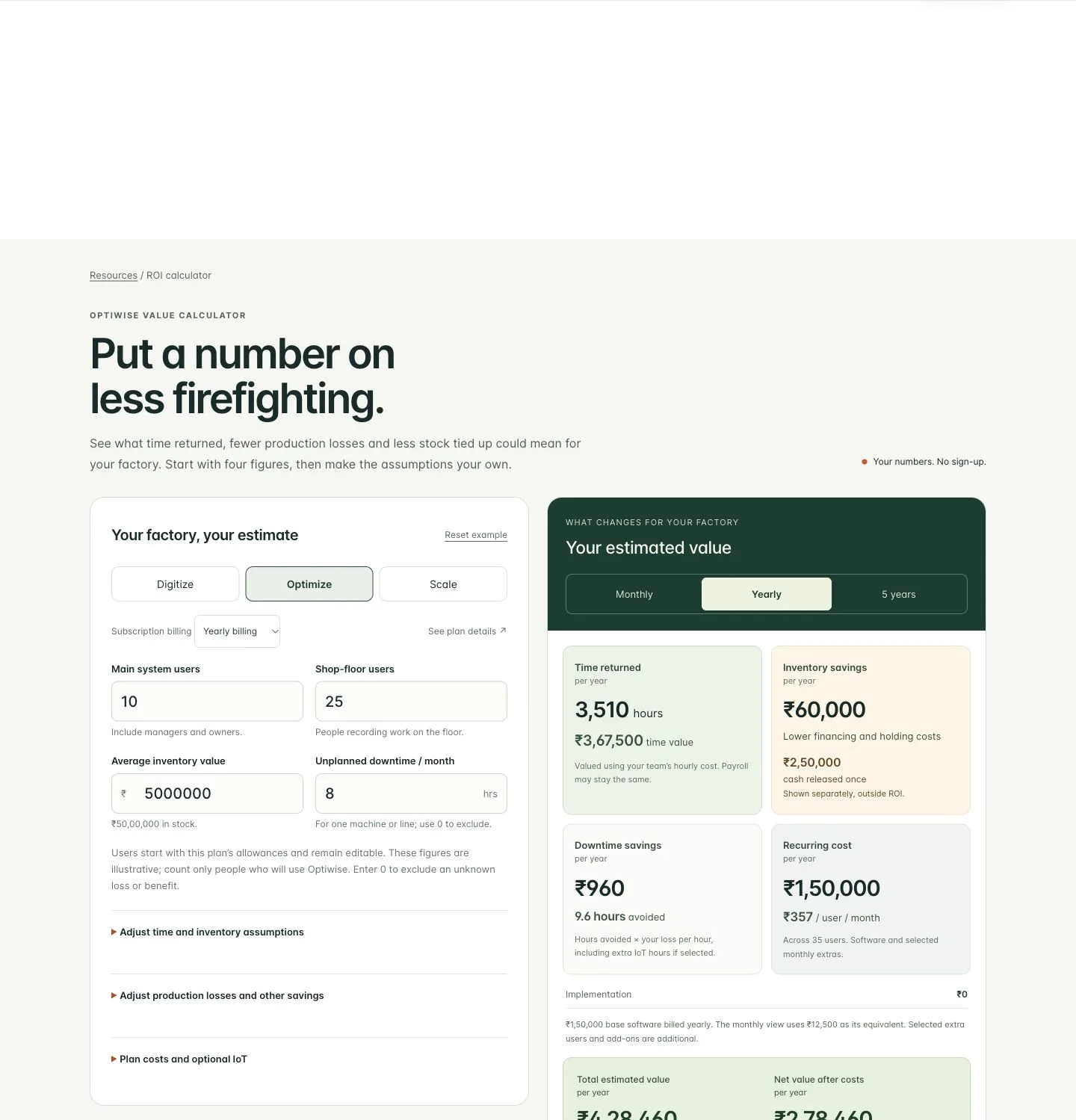
How Much Can Optiwise Save Your Factory?
See a worked Optiwise savings example with time returned, stock carrying costs, software and optional IoT. Use our free calculator for your own factory ROI.
2 Nov 2026Read more →